
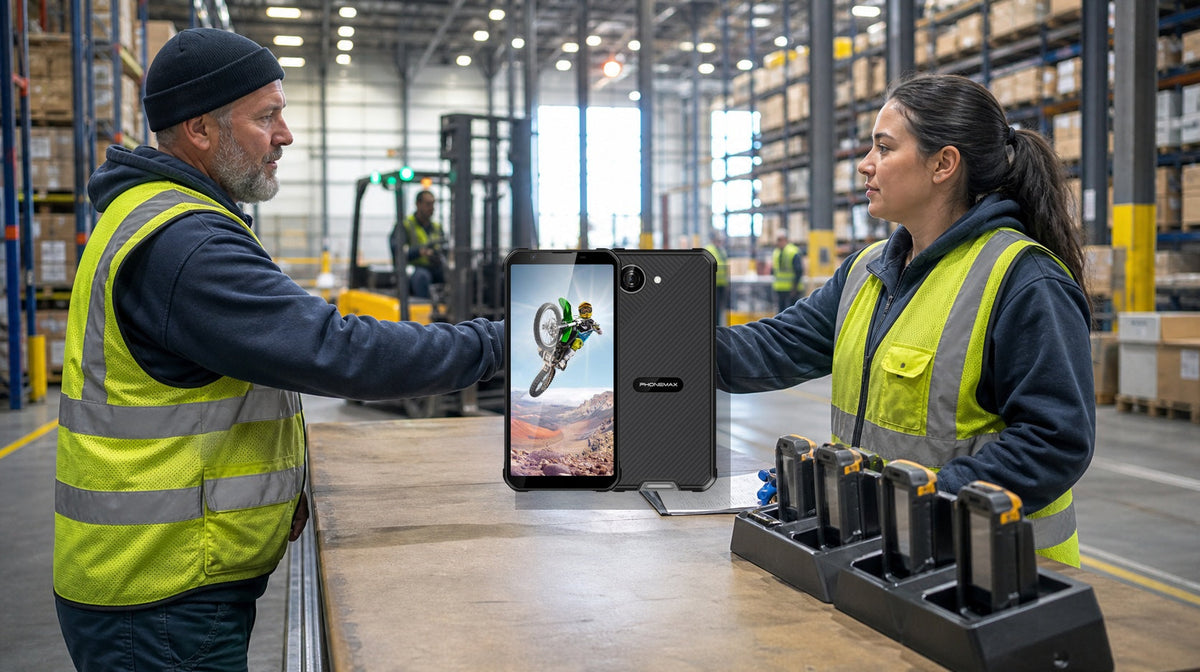
A shared rugged phone should be treated as an assigned operational asset, not an anonymous device left beside a charger.
The handover must transfer physical custody, user or application access, battery readiness, known damage or faults, and cleaning status. If any one is missing, the next shift may begin with an unsafe, inaccessible or unreliable device.
Give every device a permanent identity
Attach an asset number that can be read without powering on the phone. The same identifier should appear in the device-management console, charging position, handover log, repair record, spare inventory and accessory assignment.
Avoid recording a device only as “warehouse phone.” Workers must distinguish one unit from another when reporting a cracked screen, charging problem or missing accessory.
Decide whether the device or user owns the session
Shared-device designs may use a dedicated device login with worker authentication inside the app, individual sign-in, kiosk mode, badge-based login or a temporary session that clears at sign-out.
Confirm what data persists after logout. Photos, downloads, clipboard content, browser sessions and notification previews can expose information to the next user. Android dedicated-device management can restrict devices to approved functions, but exact behavior depends on the management platform and application.
Start-of-shift checklist
- Correct asset number
- Housing and screen intact
- Port covers and buttons present
- Battery meets the shift threshold
- Required app opens
- Scanner, camera or NFC workflow functions
- Network and warehouse Wi-Fi connect
- Audio and vibration alerts work
- Charger or holster is present
- Previous user is signed out
- No unresolved fault is recorded
A quick functional transaction is more useful than checking only the home screen. For example, scan a known nonproduction label and confirm that the expected application receives the result.

End-of-shift checklist
- Complete or synchronize pending transactions.
- Record unresolved exceptions.
- Sign out using the approved method.
- Remove temporary files when policy requires it.
- Inspect for new damage.
- Report charging, network or app problems.
- Clean using the approved method.
- Return the device to its assigned station.
- Connect the approved charger if required.
- Transfer custody in the handover log.
Use exception-based records
Record asset ID, outgoing and incoming shift, time, battery level, physical-condition result, app and connectivity result, cleaning status, accessories, exception description and supervisor action.
Keep the normal handover short and make exceptions specific. Do not encourage workers to continue using unsafe equipment merely to avoid reporting it.
Define red-tag conditions
Remove a device from circulation for battery swelling, unusual heat, odor, hissing or smoke; hazardous cracked glass; exposed internal parts; burned contacts; repeated shutdown; security-policy failure; an uncleared user session; lost asset identity; or failure of the required warehouse workflow.
Move it to a controlled quarantine or repair location and issue a known-good spare.
Control chargers and accessories
Give every charging position an identifier and specify the approved charger and cable, inspection interval, power-source limit, dry-location requirement, damaged-adapter process, spare accessory location and responsible shift.
Review the system with evidence
Track missing devices, unreported damage, login failures, low-battery handovers, charging faults, failed scans, cleaning exceptions, spare-issue time and repeat faults by asset number. The pattern may reveal weak handover design, inconsistent authentication, poor Wi-Fi coverage or damaged accessories rather than a hardware problem.
Final decision rule
A shared device is ready only when the next worker can identify it, authenticate safely, complete the required workflow and confirm its physical condition. If the warehouse cannot trace custody or separate sessions, fix the operating process before expanding the shared-device pool.


השארת תגובה
כל התגובות מבוקרות לפני פרסומן.
This site is protected by hCaptcha and the hCaptcha Privacy Policy and Terms of Service apply.