
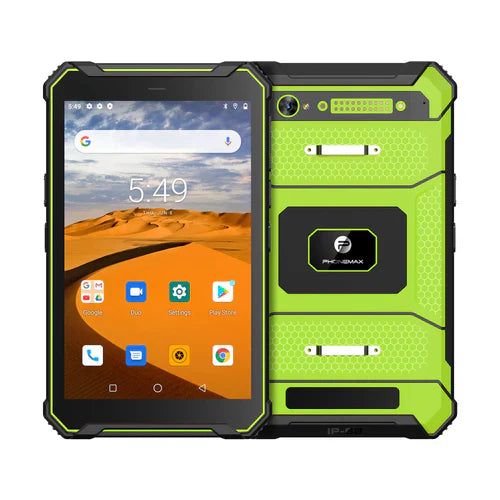
When the office sends a document to a field tablet, check that the worker receives and opens the intended revision. A download notification or familiar filename does not prove that the current instruction is available in the work application.
Define the document reference
Use a non-sensitive test document with a clear identifier and revision. Ask the document owner which delivery route is approved and how the worker should recognize a replacement. Keep the original and replacement versions distinguishable during the trial.
| Delivery stage | Acceptance observation |
|---|---|
| Office sends the file | The intended document and recipient are identified |
| Tablet receives it | The worker can find the approved delivery location |
| Worker opens it | The required viewer displays the correct revision |
| Office replaces it | The worker can distinguish the new instruction from the earlier file |
| Work begins | The approved current version is available at the point of use |
Resolve duplicate names
If the delivery process creates several copies, ask the system owner how the current one is selected and obsolete content is handled. Do not delete the only available instruction as an improvised cleanup step. Record which version was actually opened.
Use the identified device and application
The T1 is presented for field applications and documents. That positioning does not certify a cloud drive, document viewer or automatic replacement process. Specify the offered tablet build, delivery service and viewer in the result.
Discuss the tablet configuration with Phonemax and have the document-system owner approve the workflow. No document-sync result, offline availability or version-control integration is verified here.
Related guide: Work Tablet Downloads: Confirm Completion Before Going Offline.


Commenta
Nota che i commenti devono essere approvati prima di essere pubblicati.
Questo sito è protetto da hCaptcha e applica le Norme sulla privacy e i Termini di servizio di hCaptcha.