
Before leaving connectivity, confirm that every required work file has finished downloading and can be opened through the intended app. A visible filename or a download-start message does not establish that the whole work pack is ready.
Use a work-pack manifest
| Manifest field | What to identify |
|---|---|
| Required content | The files or app packages needed for the assignment |
| Revision | The intended current version of each item |
| Preparation status | How the app shows complete, pending or failed downloads |
| Open check | The supported way to confirm the item is usable |
| Exception | Who resolves a missing file or unavailable licence? |
Ask the app owner what offline use requires
Identify which actions are intended to work without a connection and whether activation or account access is required beforehand. Use an approved test procedure to check the prepared pack. Do not assume that every cloud link or preview is a usable local file.
Record what actually opened
Use safe test content and note the app build, file revision and any warning. If an item is incomplete, resolve it before treating the work pack as ready. The application provider should define how to retry or replace content without losing pending work.
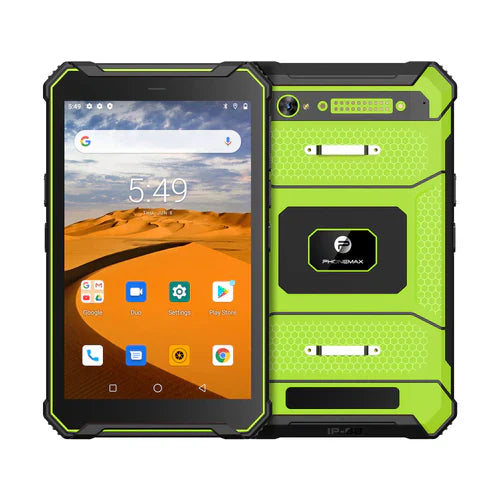
The T1 is listed with 128GB storage in its Gray and Green versions. That capacity statement does not establish a completed download, usable free space or offline app support.
Ask Phonemax about the offered tablet setup, and obtain offline-content instructions from the app owner. This is a preparation check, not an offline-availability guarantee or measured download result.
Related guide: Work Tablets: Check Documents Sent from the Office.


Commenta
Nota che i commenti devono essere approvati prima di essere pubblicati.
Questo sito è protetto da hCaptcha e applica le Norme sulla privacy e i Termini di servizio di hCaptcha.