
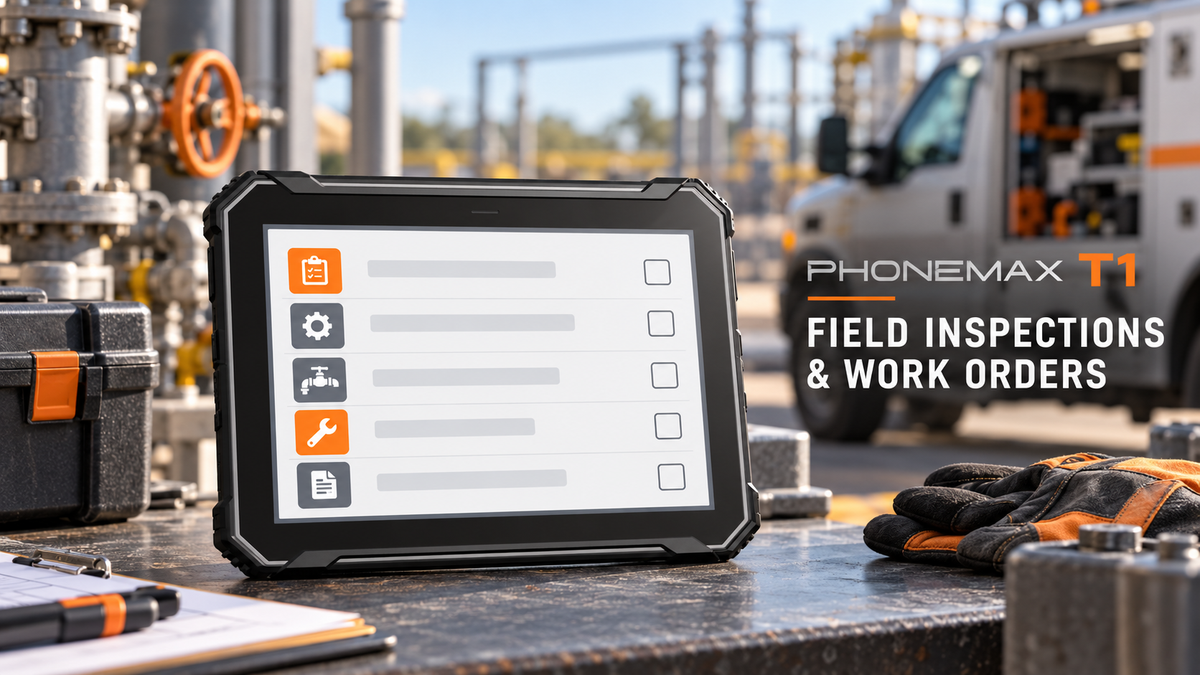
The Phonemax T1 is a conventional rugged Android tablet without a built-in barcode scanner. Its 8-inch display and 12,000mAh battery make it an option for teams working with inspection forms, maps, photographs and maintenance records. Choose it for the information workers need to read, enter and review throughout a job.
T1 Specifications at a Glance
| Feature | Published specification |
|---|---|
| Display | 8-inch |
| Operating system | Android 16 |
| Processor | MediaTek Helio G80 |
| Memory / storage options listed | 6GB+128GB; 8GB+256GB |
| Battery / charging | 12,000mAh / 18W |
| Cameras | 32MP rear; 8MP front |
| Listed protection | IP68/IP69K |
| Built-in barcode scanner | Not included |
Product information checked October 27, 2026. Both memory options appear in the variant selector; availability depends on the selected option. At the check, green 8GB+256GB was available to buy. Battery capacity does not establish guaranteed working hours.
Three Jobs Where the T1 Fits
These are illustrative workflows, not customer case studies or measured performance results.
Outdoor Inspection Rounds
A maintenance worker opens an equipment record, reads the checklist, photographs a condition and records the follow-up action. The 8-inch screen provides room to review instructions and entries before submitting the report. The tablet's value is in supporting the whole record rather than only identifying an asset.
Service Work Between Charging Stops
A mobile service team moves between directions, work orders and reference documents. The 12,000mAh battery is relevant when charging opportunities are limited. Plan the charging routine around real navigation, brightness and connectivity settings; capacity alone cannot establish whether a workload will last a full shift.
Dusty or Wet Work Areas
For outdoor maintenance and logistics yards exposed to dust or rain, the listed IP68/IP69K protection is a useful selection factor. Match operating and cleaning conditions to the documented limits. The IP rating does not establish resistance to every cleaning chemical, impact or hot, humid environment.
Add Scanning Only When the Job Requires It
The T1 has no built-in scan engine. For occasional clear labels, test a compatible camera-scanning app. For batches at a counter or vehicle, an external scanner may fit. For continuous scanning while handling stock, compare a dedicated scanning device.
Include worn printing, reflective surfaces and normal lighting in the trial. With an external scanner, also test reconnection after a break, input into the correct app field and duplicate-scan handling. Account for its separate charging, carrying and replacement arrangements. Camera megapixels alone do not establish barcode-reading performance.
Match the Tablet to Your Deployment
Run a short trial with real forms, representative photographs and any required offline functions. Test the intended carrying setup and workload together. If using a vehicle holder, obtain the unit's dimensions and weight before choosing the mount; these figures were not available in the product text reviewed for this article.
For individual use: view the T1 and choose your memory and storage option.
For a team: request a configuration and bulk-order quotation with your quantity, destination, applications and accessory requirements.
Cover image: AI-generated field-work illustration based on the official T1 product image. The screen is illustrative, not a supplied application or customer record.


Commenta
Nota che i commenti devono essere approvati prima di essere pubblicati.
Questo sito è protetto da hCaptcha e applica le Norme sulla privacy e i Termini di servizio di hCaptcha.