
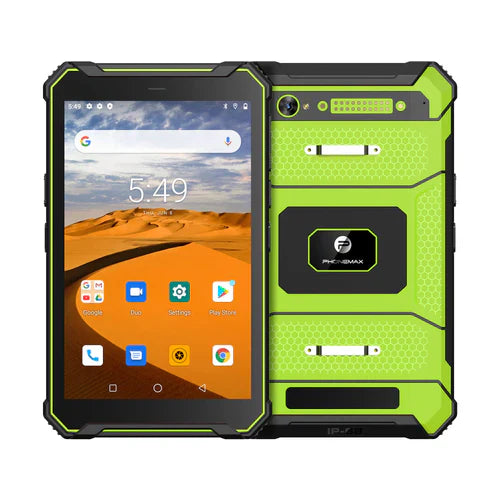
A tablet asset record should connect a physical unit to the configuration and deployment that support needs to identify. A fleet count alone cannot tell an administrator which device has the affected app build or which unit is assigned to a particular team.
Separate identity from changing setup
Use your organization's approved asset identifier and retain the supplied device reference in the appropriate private system. Record software and assignment changes as updates to the same asset history. Do not create a new physical identity each time an app or user changes.
| Record group | Information to retain |
|---|---|
| Physical identity | Asset identifier and supplied unit reference |
| Configuration | Model, variant, hardware reference and device build |
| Deployment | Approved app version, setup reference and required accessories |
| Assignment | Responsible team, issue date and current location category |
| Service history | Incident references, approved changes and return-to-service decision |
Make one support question answerable
Try an example such as “Which issued units use this build?” Check whether the record can identify those devices without asking workers to guess. Then rehearse how a repaired or replacement unit is recorded so the support history is not silently attached to the wrong hardware.
Use actual version differences
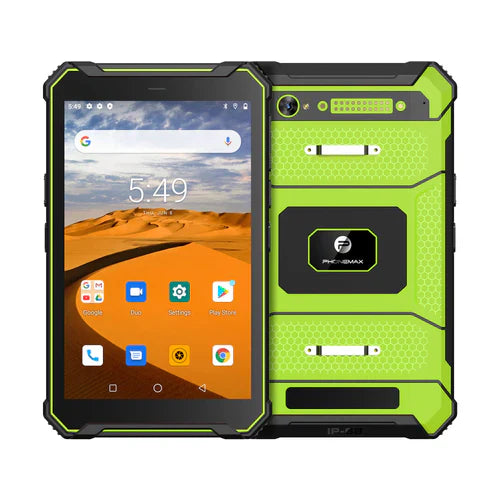
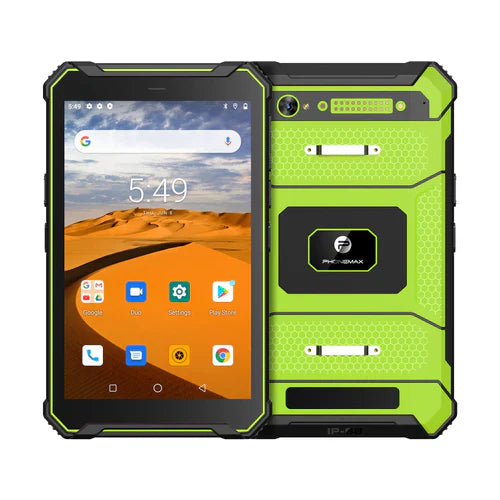
The T1 listing includes Gray with 6GB RAM, 128GB storage and Android 16, and Green with 8GB RAM, 128GB storage and Android 10. A record containing only “T1 tablet” omits differences that may matter to troubleshooting.
Limit access to identifying and assignment information according to your organization's policy; the public asset label need not expose the complete private record. Ask Phonemax which supplied configuration references are available. This is a suggested record structure, not confirmation of an inventory integration, automated identification function or fleet-management service.
Related guide: Reissuing Work Tablets: Close the Previous Access Record.

Legg igjen en kommentar
Alle kommentarer modereres før de publiseres.
This site is protected by hCaptcha and the hCaptcha Privacy Policy and Terms of Service apply.