
For a processor-led tablet enquiry, define the time-sensitive work task before comparing hardware labels. “Octa-core” or “2.0GHz” is not a measured completion time for a report, route file or business application. Agree what should start the measurement and what counts as finished.
Choose a meaningful interval
| Required task | Boundary to define |
|---|---|
| Open a document | From the worker's action to the required page being usable |
| Search work records | From submitting the search to the expected result being available |
| Prepare a report | From the defined input to a complete, reviewable output |
| Submit online work | From submission to the intended receiving record becoming available |
| Repeat the task | The agreed number of trials and how failures are recorded |
Keep conditions attached to every result
Use non-sensitive representative input and record the app, build, connection conditions and sample reference. Choose acceptable limits with the operations team before reviewing the results. Report failed attempts as well as successful ones; do not remove a slow result simply because a later attempt was faster.
Interpret the result at the correct level
An end-to-end task can include application and remote-service work. If it is slow, ask the responsible teams to locate the delay before attributing it to the processor. Different documents or server conditions can make a comparison misleading.
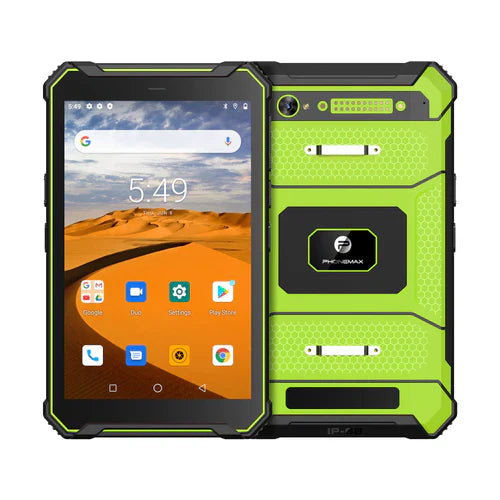
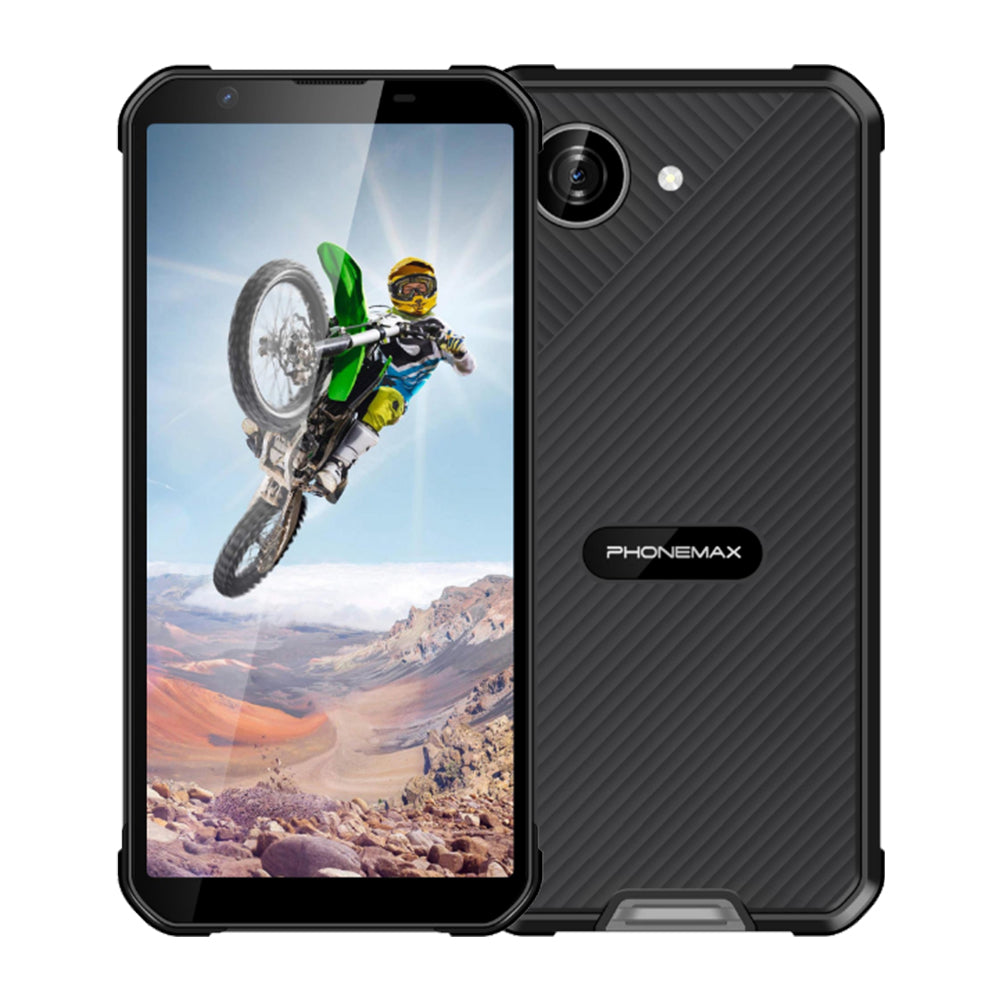
The T1 and N1 listings identify the MediaTek Helio G80 platform. That is a current product reference, not a benchmark or proof that the devices finish your task at the same speed.
Send Phonemax the task, input and proposed acceptance boundary. This is a measurement plan; no timing result, processing-speed ranking or application approval has been established here.
Related guide: Vehicle Tablets: Check Route Import Before Navigation.

Legg igjen en kommentar
Alle kommentarer modereres før de publiseres.
This site is protected by hCaptcha and the hCaptcha Privacy Policy and Terms of Service apply.