
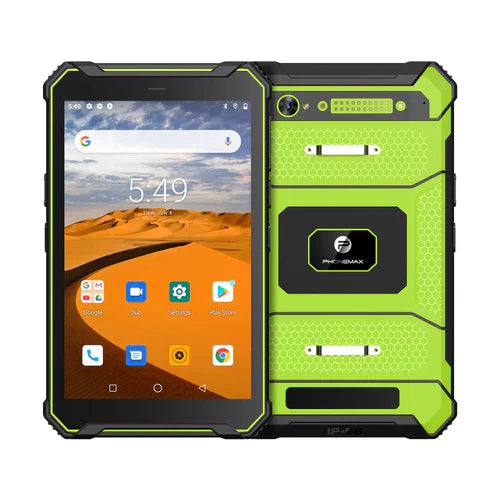
NFC support should be checked against the exact tag, reader and application used in the workflow. A general NFC entry does not guarantee compatibility with every access card, payment service or asset-management system.
Start with the current model and use case
The current N1 listing includes NFC. Ask which supplied configuration and software are covered, then describe whether the job involves reading an asset tag, exchanging data or interacting with a reader.
Distinguish the operating modes
Android's NFC documentation distinguishes functions such as tag interaction and card emulation. A device's support for one intended task should not be assumed to establish every other NFC mode or application requirement.
Run the complete transaction
- Identify the real tag or reader and required application.
- Use the proposed tablet, case and working orientation.
- Check reading or interaction at the intended point on the enclosure.
- Confirm that the application records the correct asset or transaction.
- Document failures, required permissions and any manual fallback.
Keep credentials and services within their scope
Have the responsible system provider confirm any access or payment requirement. Do not promise that a generic NFC tablet can replace an authorized credential or a certified payment terminal.
Sources and limit
current N1 specifications; Android Developers: NFC overview. No original tag-compatibility, payment or access-control validation is reported.

Legg igjen en kommentar
Alle kommentarer modereres før de publiseres.
This site is protected by hCaptcha and the hCaptcha Privacy Policy and Terms of Service apply.