
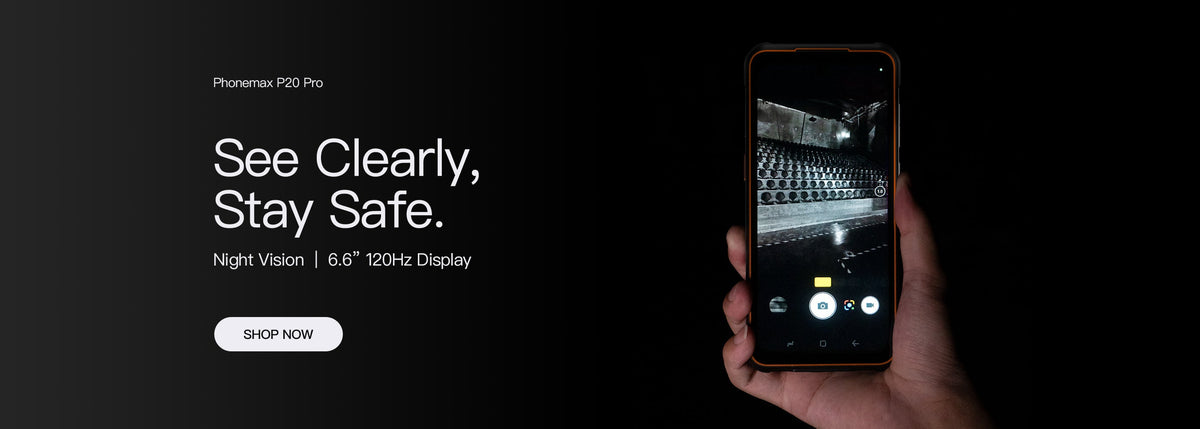
Choose an outdoor construction phone by checking whether workers can read and complete the actual task in the expected light. A display brightness number, large screen or IP68 headline alone does not establish that a drawing label, work-order field or confirmation message will be usable.
Bring representative content to the trial
Use the real app with a test job, including a detailed image, a long note and the smallest common label. Check the content from an appropriate safe working position and at the distance normally used. Follow site rules for where a device may be handled.
| Viewing condition | Task to check |
|---|---|
| Open daylight | Read an asset label or job identifier without guessing |
| Shade | Distinguish a selected status from other options |
| Indoor transition | Continue the task after moving to a different light level |
| Required workwear | Read and operate the form with the normal viewing arrangement |
Record errors as well as impressions
“Looks bright” is less useful than noting whether a worker selected the wrong item, needed repeated zooming or could not read the confirmation. Keep the app version, display settings and viewing condition in the trial record. Do not present those observations as standardized luminance measurements.
Consider screen size and handling together
The R4-T product page lists a 4.3-inch main display. Its compact form may fit a carrying requirement, but a task with wide drawings may benefit from a larger screen. This guide does not verify a main-screen brightness value or sunlight performance for that model.
If the app can adjust text size or simplify a form, include that configuration in the trial. Confirm that key buttons and fields remain visible when the keyboard is open.
Keep environment protection as a separate check
The IEC 60529 listing concerns enclosure protection, not screen readability. Ask for model-specific protection evidence alongside the usability evaluation.
Send Phonemax a sample form and viewing requirements to discuss an appropriate device trial. These steps are a proposed selection method, not a report of completed field testing.

Legg igjen en kommentar
Alle kommentarer modereres før de publiseres.
This site is protected by hCaptcha and the hCaptcha Privacy Policy and Terms of Service apply.