
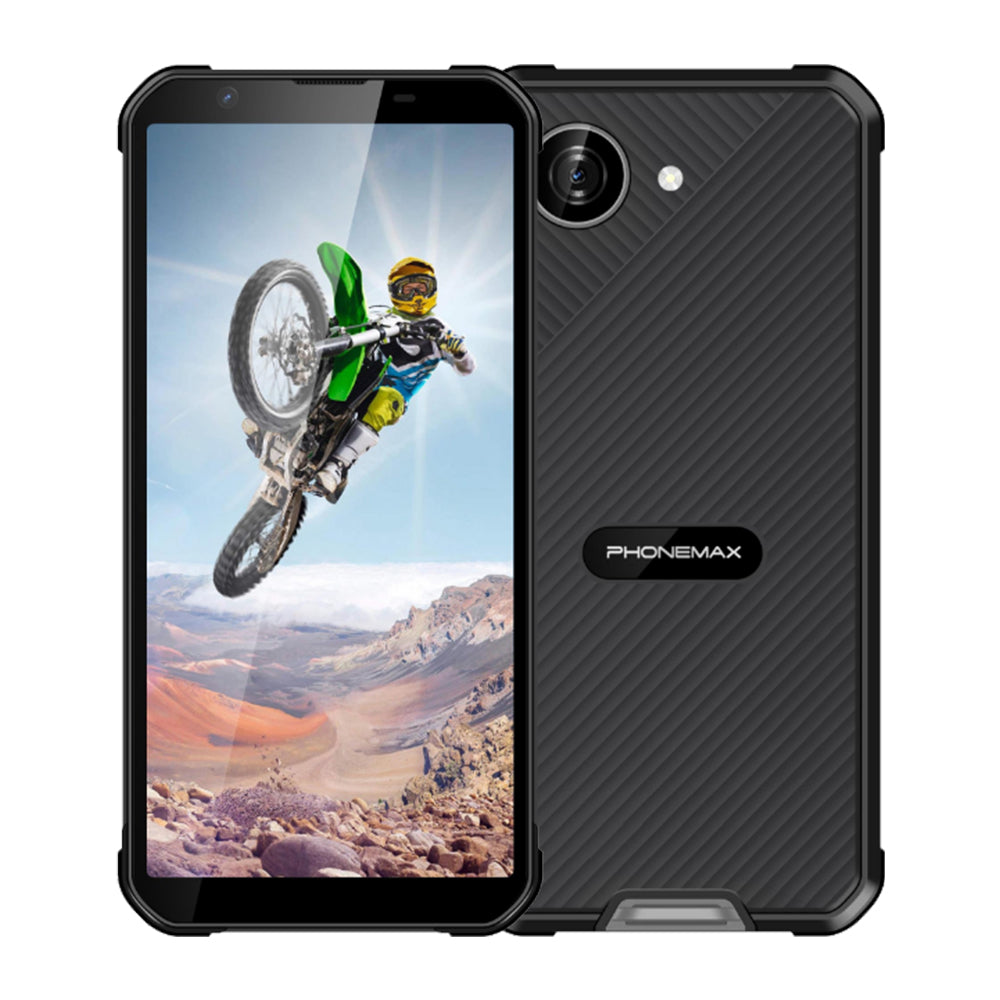
A 6.78-inch display can be an important requirement when field staff review maps or complete detailed forms. The buying decision should also consider how that screen fits the worker's hands, pocket and normal tasks.
Use the most demanding screen
Test a map with labels, a multi-column inspection form and a signature field. Check the application at its normal text scaling. Count the extra scrolls needed to finish the form and whether the keyboard covers essential fields. Compare these results with a smaller phone instead of assuming that a larger display always completes work faster.
Check handling in the actual job
Have workers carry the device during a representative route with their normal protective equipment. Try reading it while standing and entering data with one hand. Measure whether the device fits the intended holster or vehicle mount. Include the case in the measurement because the finished assembly determines fit.
Confirm the proposed model before ordering
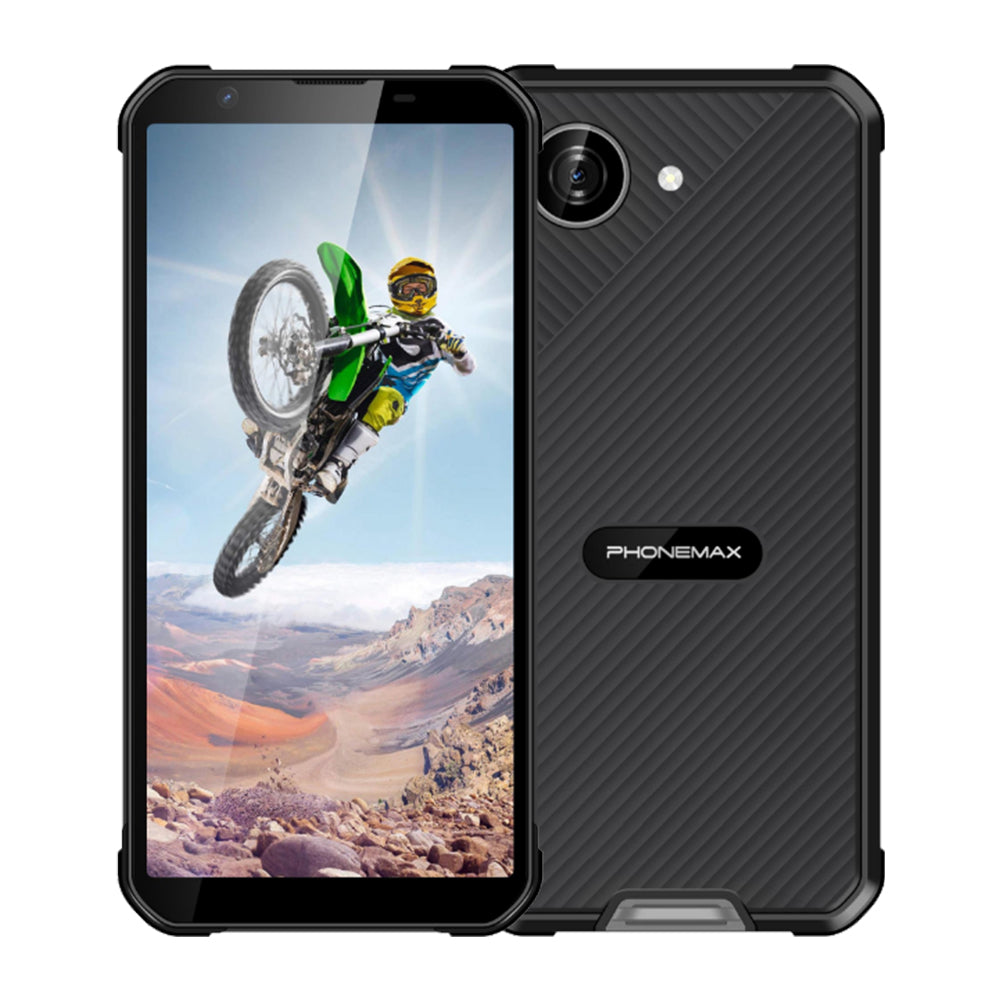
The current Phonemax X5 listing is a compact 5.3-inch phone, not a 6.78-inch model. It can serve as a smaller comparison device if that tradeoff is acceptable. A supplier offering the requested large-screen model should confirm its diagonal, resolution, dimensions and weight in writing. Keep those facts separate from conclusions about readability and task speed, which should come from the trial. Select the device that satisfies the mandatory fit requirements and performs the actual workflow reliably.
Review the published Phonemax X5 configuration before comparing it with your purchasing requirements.

اترك تعليقًا
تخضع جميع التعليقات للإشراف قبل نشرها.
This site is protected by hCaptcha and the hCaptcha Privacy Policy and Terms of Service apply.