
If a scanner sends data as keyboard input, test both the destination field and any final Enter or Tab action. Correct barcode text can still reach the wrong field or trigger an unintended submission.
Run a focus test with disposable records
- Place the cursor in the intended scan field and read a known sample.
- Repeat after opening and closing a dialog, returning from another screen and showing the keyboard.
- Record whether a suffix moves focus, submits the form or does nothing.
- Reopen the saved record and compare the field values and transaction count.
| Observation | Question for the integration owner |
|---|---|
| Code lands in a notes field | How is input focus established before capture? |
| Form submits immediately | Is a suffix configured and is that action intended? |
| Next scan overwrites a value | What focus and field-clearing behavior should apply? |
Zebra's DataWedge keystroke documentation illustrates how one vendor's integration can send special keys. It is background for the integration question, not a claim that DataWedge is installed or supported on T1. Obtain instructions for the actual proposed reader software.
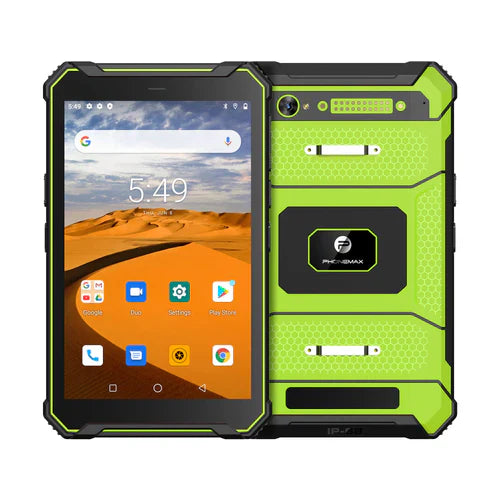
The T1 listing specifies no Honeywell scanner in the current configuration. Ask how a confirmed scanner or accessory would deliver data to your app; do not assume keyboard emulation.
No input-integration test is reported here. Pair with the exact-code keyboard guide. Contact Phonemax with the app and required input method.


اترك تعليقًا
تخضع جميع التعليقات للإشراف قبل نشرها.
This site is protected by hCaptcha and the hCaptcha Privacy Policy and Terms of Service apply.