
If a work photo loses useful detail, compare the captured file, server attachment and exported report before attributing the result to camera megapixels. The evidence trail should show where the change first appears.
Keep one known sample across the workflow
| Stage | Record |
|---|---|
| Original capture | File identifier, dimensions, size and the detail needed for the task |
| Uploaded attachment | Saved job ID, resulting file information and visible detail |
| Exported report | Page placement, displayed size and whether the required detail remains usable |
Investigate one transformation at a time
Use a harmless representative subject and the actual app settings. Ask the software owner whether capture, upload or export changes the image. Compare copies through approved tools and preserve the original test file. If the application does not expose an original file, record that limitation rather than assuming it has not changed the capture.
Agree which detail must remain readable in the final job output. A larger file or higher pixel count alone is not a useful acceptance result, and this comparison does not measure optical quality under every condition.
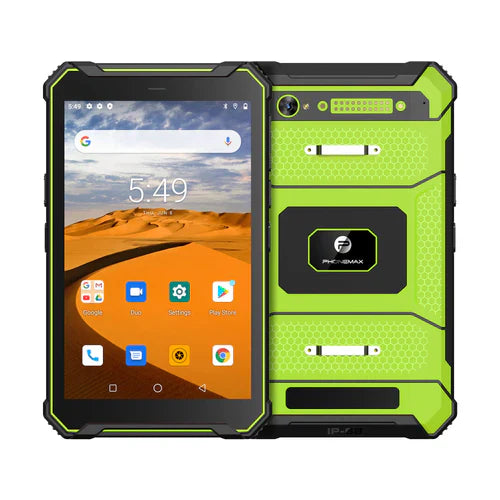
The N1 listing specifies a 32MP rear camera, not the 13MP configuration named in this article's historical URL. It does not establish the behavior of your upload or export software.
No image-quality or compression trial is reported here. Pair the comparison with small-text capture checks. Contact Phonemax with the required final output.


اترك تعليقًا
تخضع جميع التعليقات للإشراف قبل نشرها.
This site is protected by hCaptcha and the hCaptcha Privacy Policy and Terms of Service apply.