
A shared tablet’s restart procedure should identify who can restore each required service without sharing private SIM or account credentials. Include that handover before accepting a two-subscription deployment.
Distinguish the possible access barriers
| Barrier to check | Owner of the recovery instruction |
|---|---|
| Device screen lock | Organization’s device administrator |
| SIM credential prompt, if configured | Authorized subscription owner or operator |
| Work-app sign-in | Application account administrator |
| Unavailable data service | Operator and equipment support team |
Ask the supplier and account owner which prompts apply to the selected configuration. Do not assume every device uses the same menu, credential policy or SIM arrangement. Keep operator-issued recovery information in the organization’s approved private system, not on a sticker attached to the tablet.
Rehearse a controlled handover
- Agree who may restart the device and when, using a non-production task.
- Follow the authorized startup instructions and record which services are available.
- Have the appropriate owner resolve any credential prompt through the approved process.
- Confirm the intended data service and a known test transaction.
- Record the support route for a worker who cannot restore service.
Do not guess a SIM PIN or repeatedly enter unverified codes. Stop at an unexplained prompt and contact the authorized owner. A second subscription does not remove the need for a clear access policy.
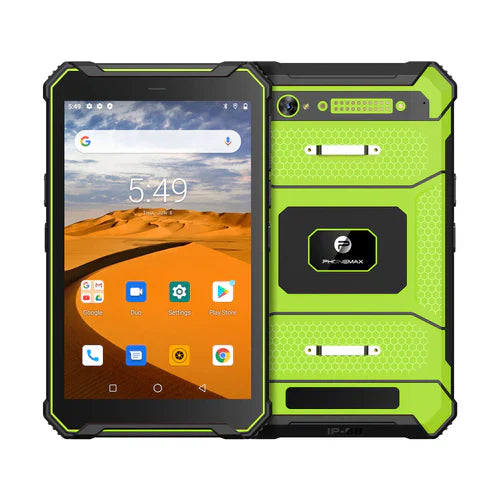
The current T1 page lists Gray Android 16 and Green Android 10 versions but does not verify your SIM credential policy or a shared-device restart procedure. This article reports no credential or service-recovery test.
Use the SIM replacement and service-record guide when cards change, and confirm configuration questions with Phonemax before rollout.


اترك تعليقًا
تخضع جميع التعليقات للإشراف قبل نشرها.
This site is protected by hCaptcha and the hCaptcha Privacy Policy and Terms of Service apply.