
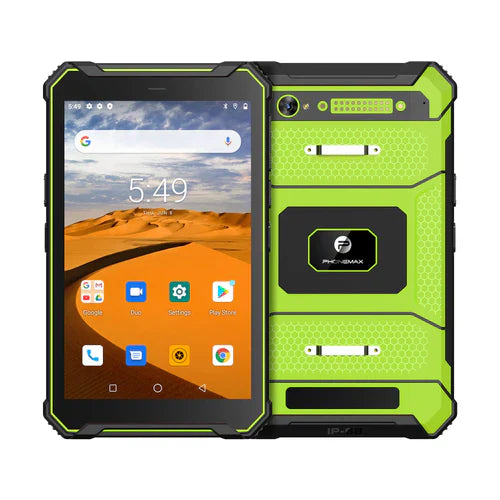
After an accidental tablet drop, document the event and follow the manufacturer’s service instructions before deciding on reuse. A device turning on does not settle whether it is ready for its normal work environment.
Make the incident record useful
| Record item | Useful detail |
|---|---|
| Unit | Model, configuration and asset identifier |
| Event | Approximate height, surface and orientation if known |
| Installed parts | Case, protector, mount or connected accessories |
| Observed change | Visible damage, warning messages or unusual behavior |
| Immediate action | Who isolated the unit and which service contact was notified |
Mark uncertain details as unknown. Do not turn an estimated fall height into a verified 1.5-meter result or repeat the drop to recreate the event. Photographs and a clear timeline are more useful to the service reviewer than a guessed pass/fail label.
Separate inspection from return to service
Where there is cracking, deformation, overheating, swelling or another safety concern, stop using and charging the unit and follow the workplace incident process. Do not press a damaged cover back into place or open the device as an informal inspection.
When the manufacturer authorizes further checks, record the approved procedure and results. The release decision should address the intended environment as well as ordinary operation. A completed form or working camera is useful task evidence, but does not by itself re-establish ingress or drop protection.
The current T1 product text does not provide a verified 1.5-meter drop report or a universal post-drop clearance rule. This guide reports no drop test and makes no repair or warranty promise.
See the drop-report review guide for pre-purchase evidence. Contact Phonemax with the incident record for instructions applying to the affected unit.


Leave a comment
All comments are moderated before being published.
This site is protected by hCaptcha and the hCaptcha Privacy Policy and Terms of Service apply.