

A 2.8-inch feature-phone request should be tested with the messages and menus users actually read. Diagonal size alone does not establish useful text space or clear navigation.
Prepare realistic content
Use a long message, a contact with a long name and a menu with several choices. Check whether text wraps or scrolls intelligibly. Test the language and text settings intended for deployment.
Follow a complete interaction
Ask users to read, reply, correct a mistake and return to the main screen. Try physical controls with the planned gloves. If the device also has touch input, identify which functions require it and whether the case obstructs those actions.
Confirm the proposed screen
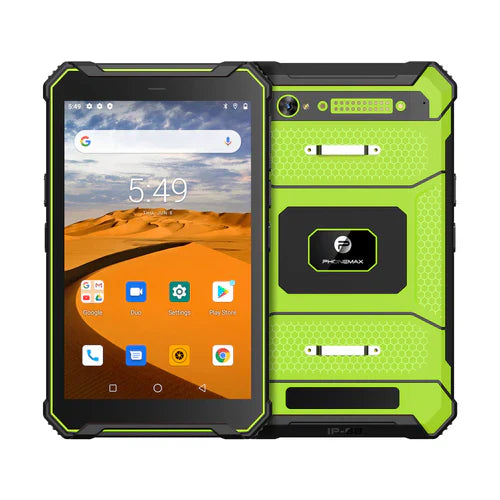
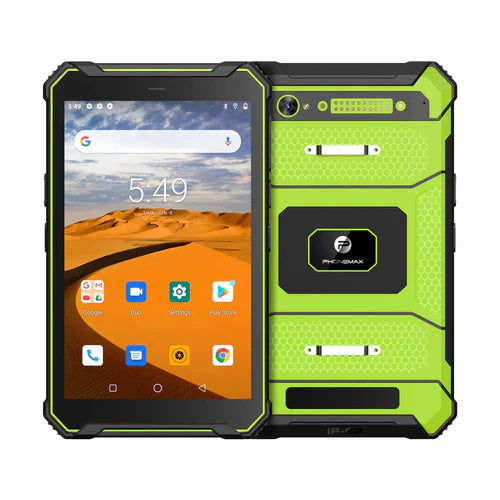
Current F3 T information describes physical keys and a touchscreen but does not establish a 2.8-inch diagonal in the reviewed text. Obtain the exact display specification for the offered unit. Use F3 T only as a documented hybrid comparison. Retain the accepted message examples and settings so later software or accessory changes can be checked against the same communication task.
Review the current Phonemax F3 specification for the model being compared.

Laisser un commentaire
Tous les commentaires sont modérés avant d'être publiés.
Ce site est protégé par hCaptcha, et la Politique de confidentialité et les Conditions de service de hCaptcha s’appliquent.