
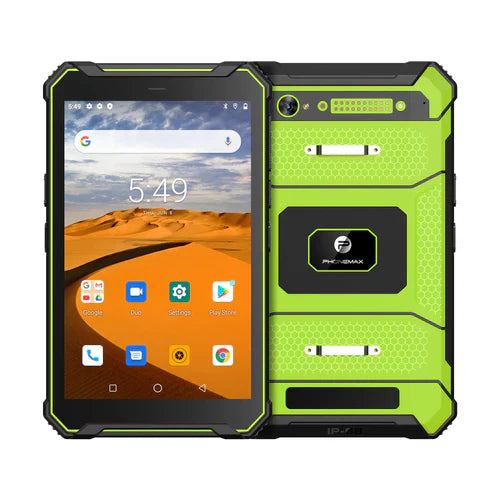
For a dual-SIM work-tablet trial, record which SIM actually carries the intended data service. Two cards being present does not identify the data connection used by the work application. Keep that service record separate from the tablet's physical slot description.
Create an unambiguous SIM record
| Record item | What to identify |
|---|---|
| SIM reference | A private internal label linked to the correct subscription |
| Operator and destination | The service provider and intended country |
| Installed position | The card position in the offered device version |
| Selected data service | The intended setting or approved selection procedure |
| Observed work task | A completed test transaction under the documented setup |
Use the operator's evidence where needed
If the business needs to attribute usage to a subscription, ask IT and the operator which records can establish it. A successful upload or an informal SIM nickname is not enough to settle billing attribution. Keep subscription identifiers and account details in the authorized private record.
Do not infer dual-SIM behavior from a catalogue phrase
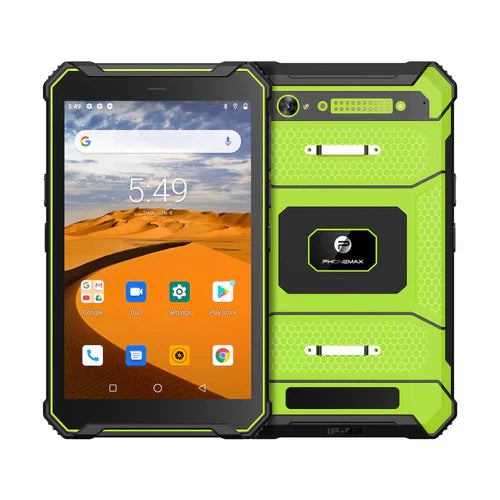
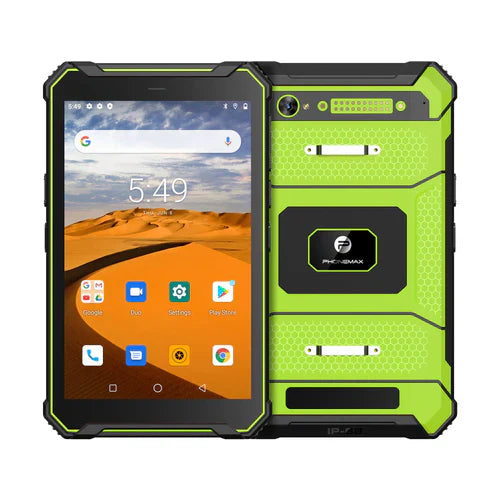
Ask Phonemax to confirm the slot arrangement, regional hardware and supported services for the exact offered version. The T1 listing distinguishes Gray Android 16 and Green Android 10 configurations; a result should retain that version rather than simply say “T1.”
Have the responsible team check the documented setup after any authorized SIM or configuration change. Record the application result and unresolved service questions. Send Phonemax the two operator requirements and proposed tablet version. This guide does not confirm simultaneous active services, automatic failover, roaming behavior or subscription charges.
Related guide: Dual-SIM Tablet OEM Briefs: Define the Service Priority.

Laisser un commentaire
Tous les commentaires sont modérés avant d'être publiés.
Ce site est protégé par hCaptcha, et la Politique de confidentialité et les Conditions de service de hCaptcha s’appliquent.