
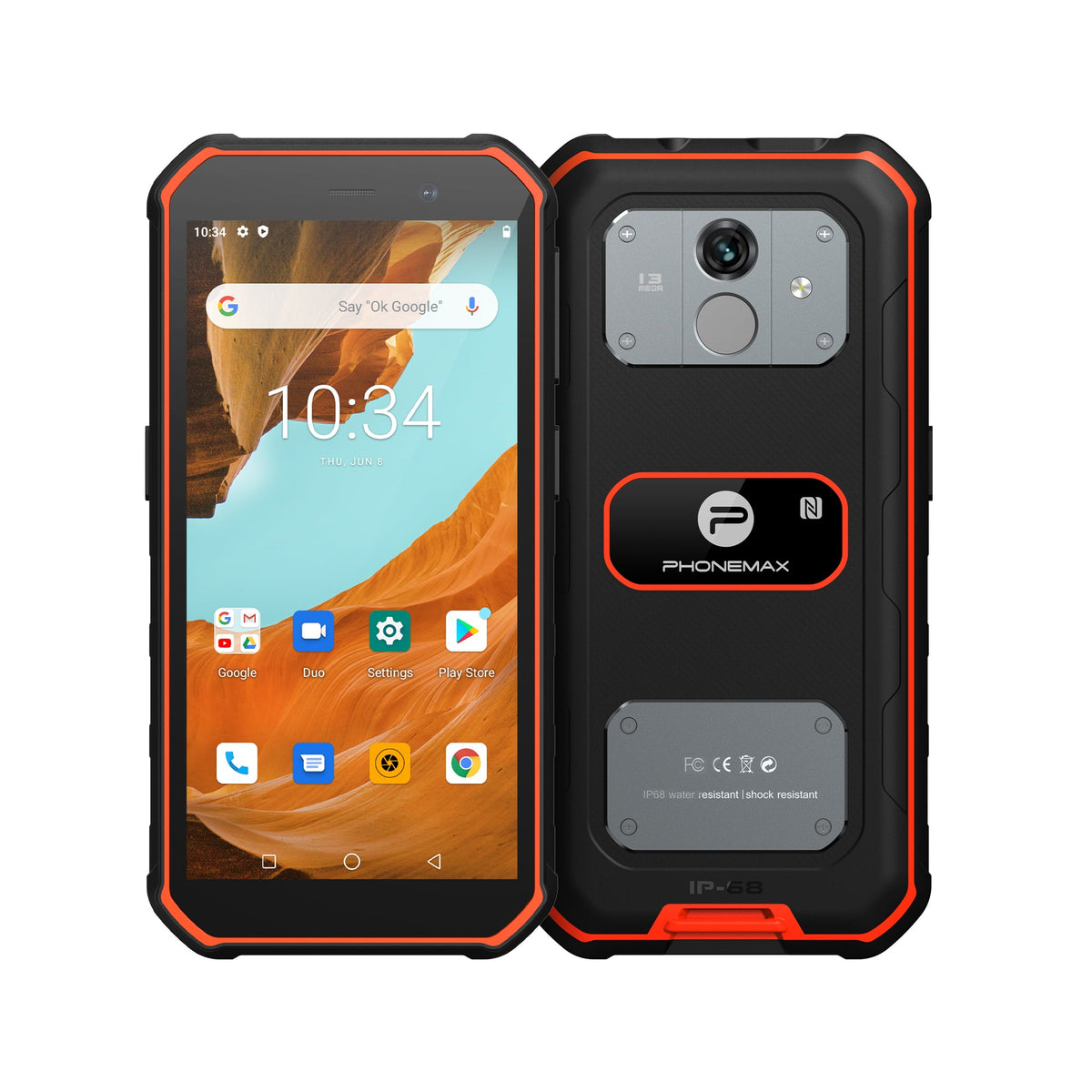
A field application should preserve the records workers need during interruptions. An Android 13 requirement is only one part of assessing that behavior on a rugged phone.
Prepare a realistic offline task
Use the intended app to create records without a connection, including a photograph and a corrected entry. Record the application version and permissions. Check how staff can distinguish saved work from a pending upload.
Follow recovery
Restart the application and, where appropriate for the test plan, the phone. Confirm that records remain available. Restore the connection and check upload confirmation, duplicates and office-system results. Treat these as application-workflow observations rather than automatic consequences of the Android version.
Approve the actual software configuration
X5 currently lists Android 16, not Android 13. It should be considered only if the version difference is acceptable and the real workflow passes. Put the hardware variant, firmware and application release on the acceptance record. Keep the offline examples for future checks after updates so a previously successful restart test does not conceal a changed synchronization behavior.
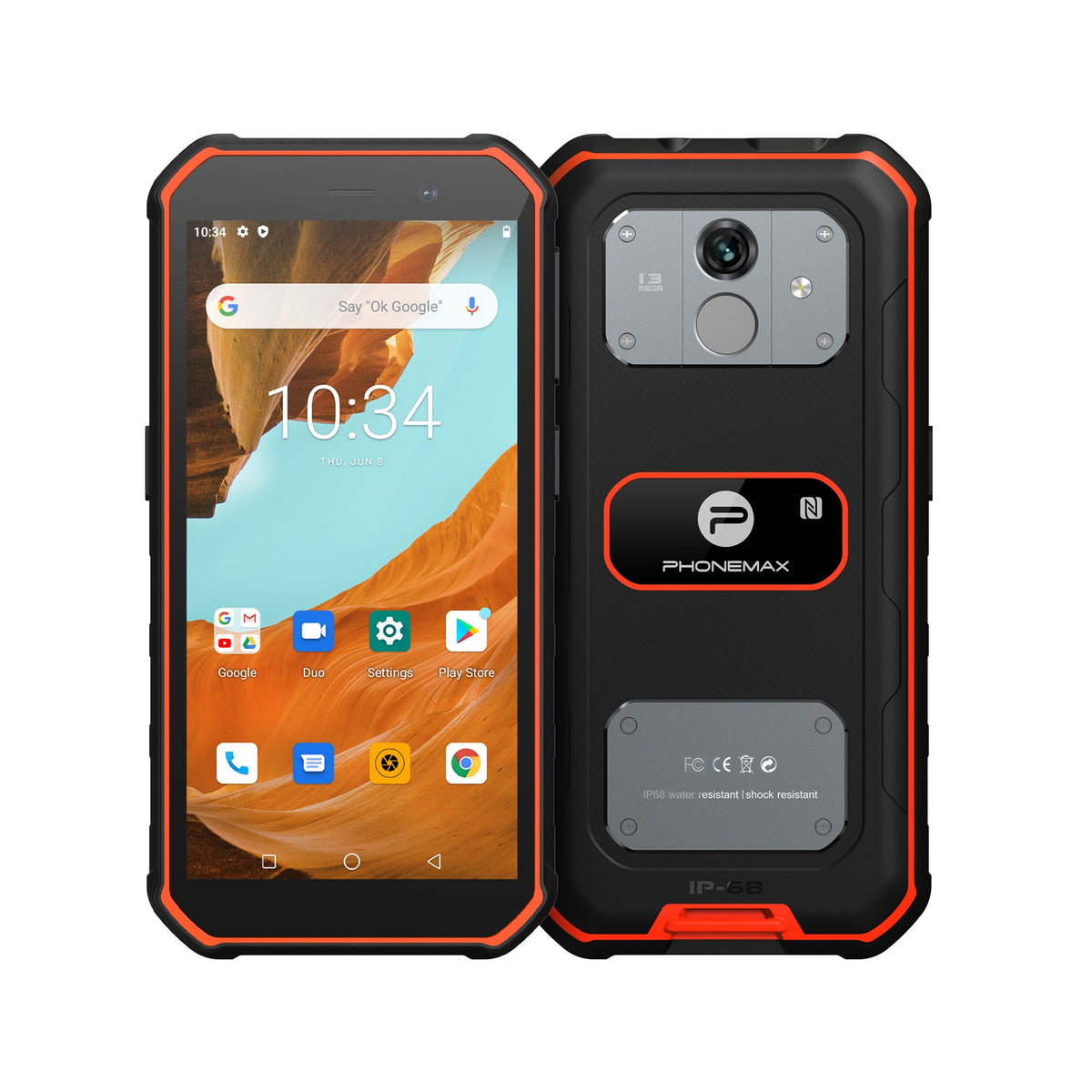
Review current Phonemax X5 details for the configuration used as a comparison.

Laisser un commentaire
Tous les commentaires sont modérés avant d'être publiés.
Ce site est protégé par hCaptcha, et la Politique de confidentialité et les Conditions de service de hCaptcha s’appliquent.