
When several similar accessories are nearby, verify which physical unit is connected before accepting its data. A familiar displayed name is not enough for an operator to know that the selected instrument or reader is the intended one.
Define an identification method
| Record | Question |
|---|---|
| Physical asset label | Which approved accessory belongs to this workstation? |
| Vendor identification method | How can the app confirm the unit without guessing from a name? |
| Application association | Where is the approved unit-to-workstation link recorded? |
| Replacement procedure | Who can change that association and verify the new unit? |
Use two harmless sample units
Have the accessory vendor provide a supported way to distinguish the units. Select one through the normal app procedure and produce an identifiable sample result under controlled conditions. Confirm that the displayed and saved source belongs to that unit. Repeat for the second unit and record how the operator detects a wrong selection.
Do not assume a wireless address is a permanent asset identifier unless the vendor documents that use. Keep personal or sensitive identifiers out of shared troubleshooting notes.
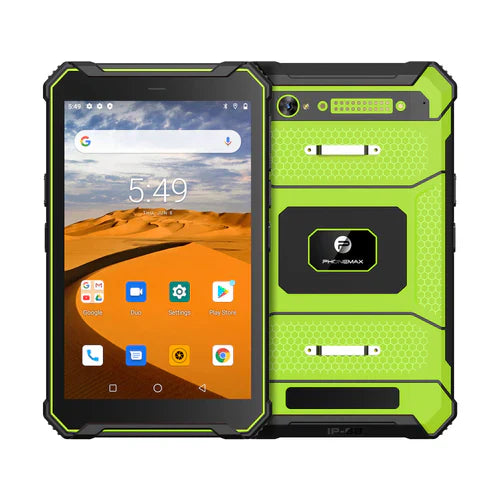
The current T1 listing does not establish compatibility with the accessories, a source-identification feature or a particular Bluetooth version. Its Gray and Green configurations have different Android versions and should be evaluated separately.
This guide reports no device-identification trial. Start with the profile or service brief, then send Phonemax the vendor's identification requirements.


Laisser un commentaire
Tous les commentaires sont modérés avant d'être publiés.
Ce site est protégé par hCaptcha, et la Politique de confidentialité et les Conditions de service de hCaptcha s’appliquent.