
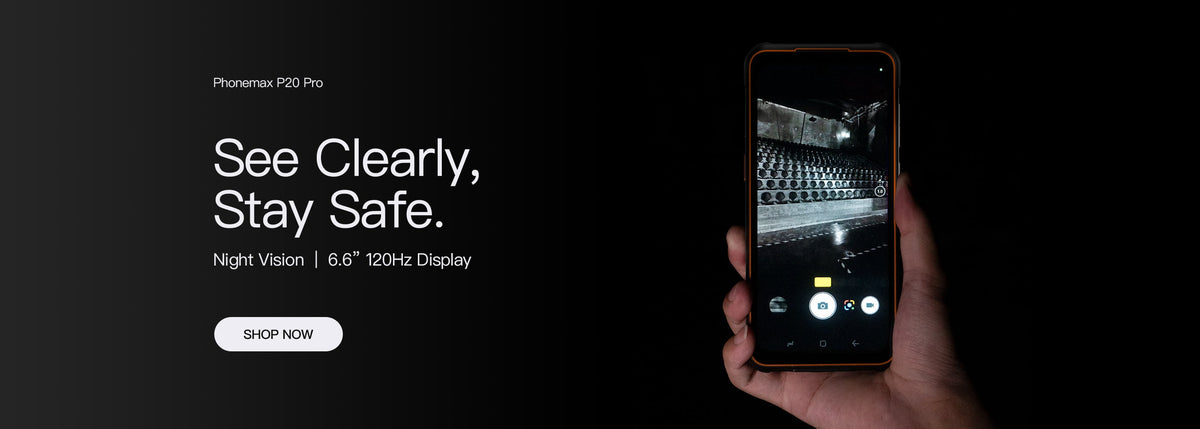
Compare display diagonal, pixel resolution and usable application area as separate specifications. “5.5-inch HD” is incomplete for a work-phone decision unless the exact device, pixel dimensions and required screen sequence are known.
Keep three questions on the comparison sheet
| Display item | What it helps you compare |
|---|---|
| Diagonal | The stated physical screen size |
| Pixel dimensions | The published horizontal and vertical resolution |
| Application layout | The information and controls visible in the required task |
Replace shorthand with the actual specification
The current R4-T listing specifies a 4.3-inch main display at 540 × 1200. It should not be relabelled as a 5.5-inch model or assigned an unverified resolution because an old article used “HD.”
Ask for both the size and pixel dimensions of the offered variant. If the quotation and specification disagree, resolve the mismatch before comparing it with another phone.
Inspect the actual content
Use a representative page with long labels, an entered value and an error prompt. Record the app version, text settings and orientation. A specification table cannot show whether that page needs awkward scrolling or hides the next action.
Use the separate form and viewport checklist for the full input sequence. This article focuses on reading the specification correctly.
Ask Phonemax for the exact display specification and evaluate the required app on that configuration. No readability measurement, named-app compatibility or current 5.5-inch model is established here.

Laisser un commentaire
Tous les commentaires sont modérés avant d'être publiés.
Ce site est protégé par hCaptcha, et la Politique de confidentialité et les Conditions de service de hCaptcha s’appliquent.