
For an OEM phone kit, approve the user instructions and their relationship to the supplied configuration before treating packaging artwork as complete. A branded box is not enough if its quick-start steps refer to another model or accessory.
Review the kit as the user receives it
| Kit item | Approval question |
|---|---|
| Model label | Does it identify the supplied configuration? |
| Contents list | Does it match the agreed included items? |
| Quick-start sheet | Do the illustrated controls and steps match the sample? |
| Support destination | Does the printed link or QR code reach the intended current resource? |
| Language | Has the intended reader reviewed the actual wording? |
Check claims as carefully as artwork
Do not copy generic waterproof depths, battery durations or application promises onto a kit without evidence for the supplied device. If documentation describes closure or operating conditions, keep those instructions consistent with the agreed model guidance.
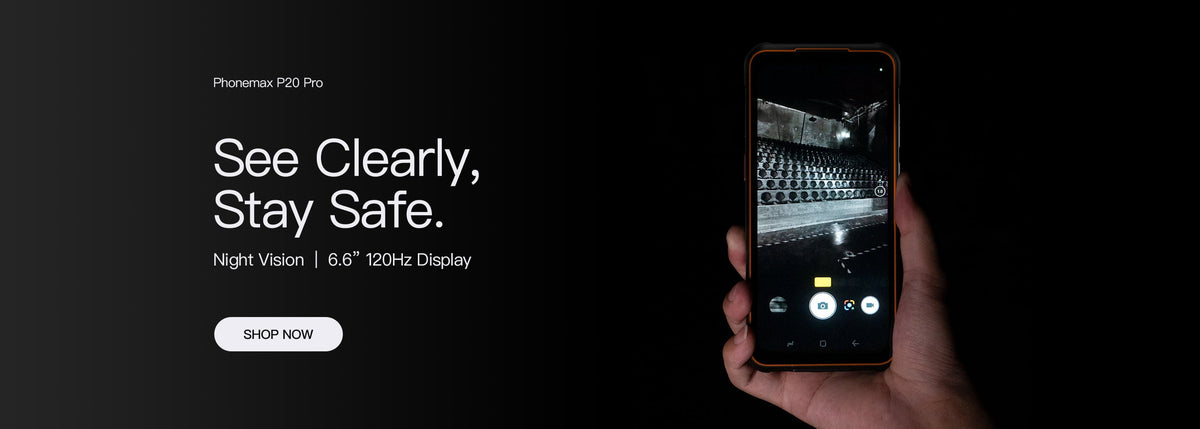
The current P20 is the non-thermal member of its series. Its kit should not inherit a P20 Pro thermal-imaging instruction merely because the series names are similar.
Use a physical approval example
Have a reviewer identify the model, locate the included items and follow the proposed first-use steps with the sample. Test each printed destination and note the approved file revision.
For a later artwork or configuration change, use the OEM change-request guide to keep approval traceable.
Send Phonemax the proposed kit and instruction requirements. This article confirms no custom packaging availability, translation service, minimum quantity, compliance approval or 6.5-inch OEM option.

Laisser un commentaire
Tous les commentaires sont modérés avant d'être publiés.
Ce site est protégé par hCaptcha, et la Politique de confidentialité et les Conditions de service de hCaptcha s’appliquent.