
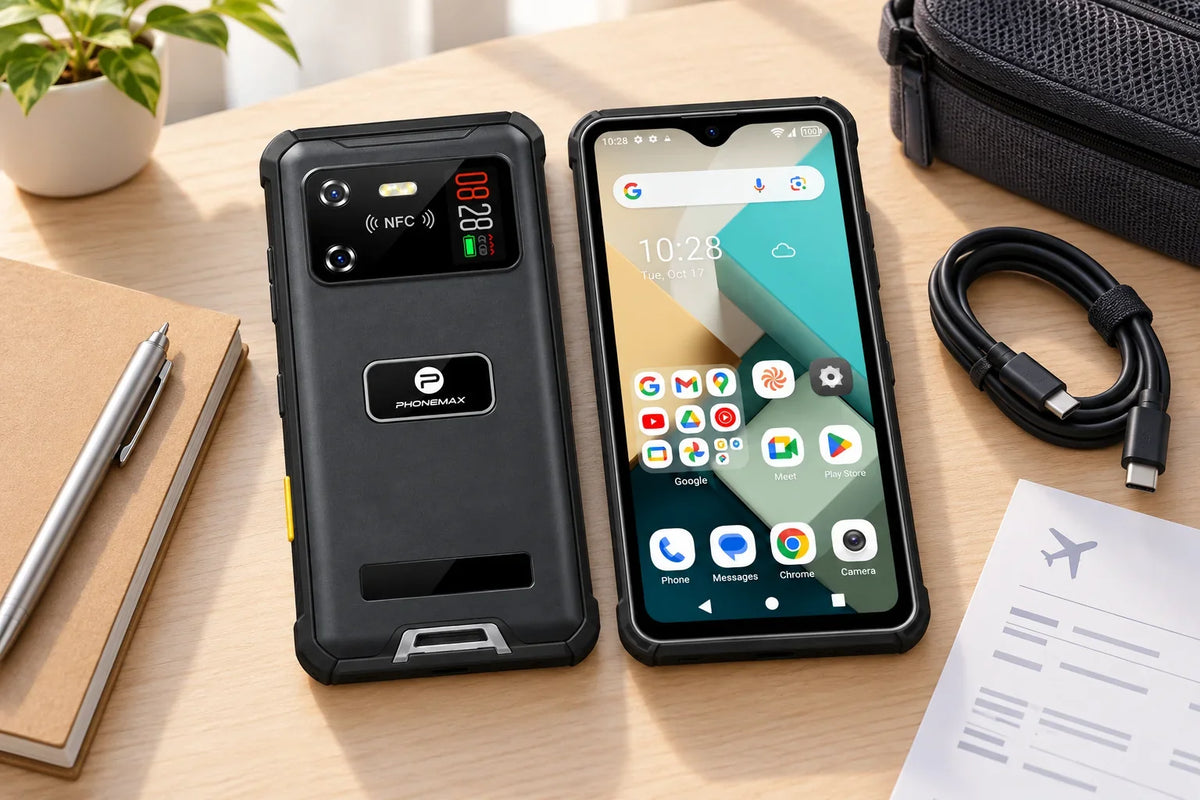
A useful work or travel phone needs more than the right specifications. Before relying on your Phonemax R4-T, prepare the services, apps and accessories that support your daily routine. Complete the setup at home, where you have time to solve any account or connection problems.

1. Confirm mobile service
Ask your carrier to confirm support for the exact device and plan you intend to use. Matching a frequency band is only part of that check; calling service and carrier acceptance also matter.
Once your SIM is installed, make and receive a normal call, send a message and open a webpage using mobile data with Wi-Fi switched off. For travel, confirm roaming arrangements and the cost of using your plan abroad.
2. Prepare apps and account access
Make a short list: communication, maps, travel bookings and any employer-required software. Sign in before departure and check whether authentication requires access to another device or phone number.
Open a representative task in each app. Can you read the text comfortably? Can you complete a form and attach a photo? If you use offline maps or downloaded documents, open them once without a connection to confirm that the intended content is available.
3. Check charging and storage
The R4-T uses USB Type-C and supports microSD/TF expansion. Test your charging cable and power source together before packing; if you add a storage card, check that the phone recognizes it and your intended files are accessible. For a long day, identify a convenient charging opportunity and pack the cable you have checked.
During an ordinary day, note the battery level when you start, after navigation or photography, and when you return. This simple record helps you decide whether an additional power source belongs in your bag.
4. Fit your accessories
Inspect the phone and make sure accessories do not obstruct controls or cameras. If you add a screen protector, use the R4-compatible option and follow the installation instructions on the official accessory page.
Check typing, scrolling and the camera after fitting accessories.
5. Complete a real work or travel sequence
Run one complete work sequence: receive an instruction, open an address, review the route while safely stationary, capture a photo, attach it to a record and submit it.
For travel, try retrieving a booking, finding an accommodation address and contacting the person you need. If a task depends on a login code, confirm you can receive it with the SIM and account arrangement you plan to take.
This single sequence brings connectivity, accounts and app usability together in a useful final check.
Record what is ready and what still needs attention
| Item | A useful ready check | What to record if it fails |
|---|---|---|
| Calls | Make and receive a normal call | Carrier, location and whether Wi-Fi was off |
| Mobile data | Load your required service | SIM plan, app name and exact error |
| Account access | Sign in using the planned travel setup | Which second factor or account is missing |
| Offline content | Open the intended document or map without connectivity | Missing download or app requirement |
| Charging | Confirm the chosen power source and cable charge the device | Cable and adapter identification |
If you need support, describe the failed step and error; keep passwords and authentication codes private.
Need to resolve a carrier or work-app requirement? Use the Phonemax contact page and include your country, carrier, app name and the step you need help with.
Based on current official product information checked on 9 October 2026; practical examples are suggested uses rather than measured test results.
For accessory selection, use the Phonemax screen protector compatibility guide.


Laisser un commentaire
Tous les commentaires sont modérés avant d'être publiés.
Ce site est protégé par hCaptcha, et la Politique de confidentialité et les Conditions de service de hCaptcha s’appliquent.