
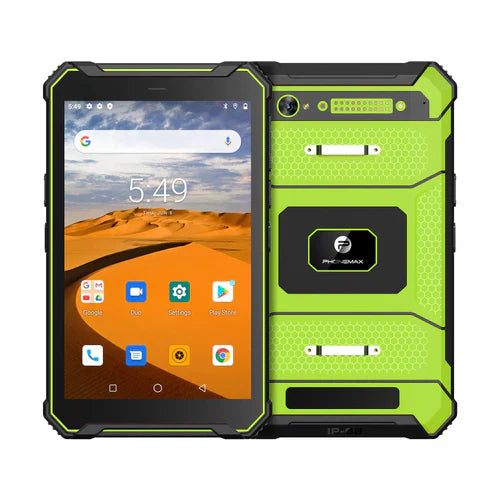
For document work, check that the completed file can be reopened by its intended recipient with the required content intact. Opening a blank PDF on a tablet does not establish that fields, annotations, attachments or export steps work in the chosen application.
Use the real document template
Ask the document owner for a non-sensitive version of the actual form. Identify whether workers must fill fields, add images, annotate pages or produce an agreed export format. These are separate application requirements; an Android version or processor name cannot confirm them.
| Document step | Acceptance check |
|---|---|
| Choose the input file | The worker opens the correct template and revision |
| Enter the required content | Fields and annotations appear where intended |
| Save or export | The destination, filename and output format are clear |
| Reopen the output | The expected changes remain visible |
| Hand off to the recipient | The recipient can read the correct completed version |
Check the actual file-selection route
Android's Storage Access Framework documentation describes user-selected access to documents through a system picker. This platform mechanism does not certify a PDF editor, cloud provider or export workflow. Include the real document location and app in the trial.
Keep the supplied tablet version attached
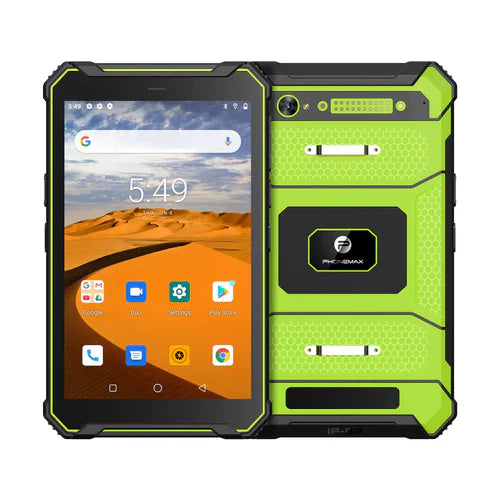
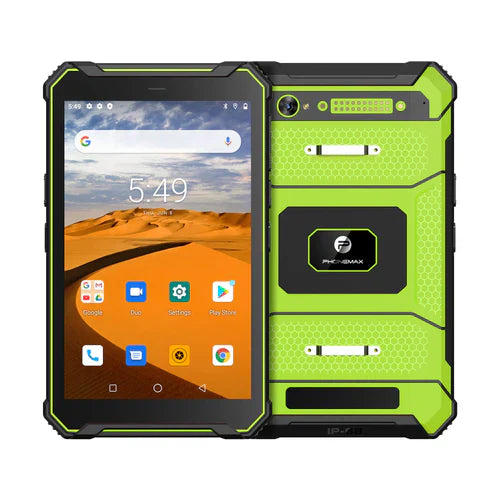
The current T1 configurations distinguish Gray 6GB+128GB Android 16 from Green 8GB+128GB Android 10. A document test belongs to the evaluated version and app build, not automatically to every T1.
Record a failed handoff with the test filename, revision and exact step. Treat formal digital-signature or regulated-document requirements as separate questions for the responsible software and business specialists. Discuss the tablet configuration with Phonemax. No PDF-app approval, file-preservation guarantee or legally valid signature capability is established here.
Related guide: 4G Work Tablets: Verify Photos Reach the Correct Job.

השארת תגובה
כל התגובות מבוקרות לפני פרסומן.
This site is protected by hCaptcha and the hCaptcha Privacy Policy and Terms of Service apply.