
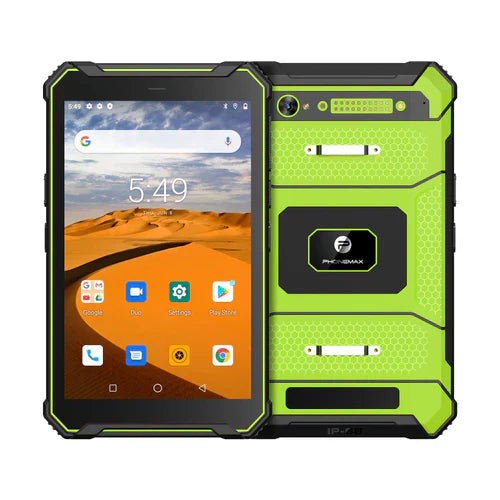
Before clearing storage on a work tablet, identify where unfinished records and offline files are held and confirm the approved recovery plan. Clearing temporary cache and clearing an application's stored data are different actions.
Google's Android storage guidance distinguishes temporary cache from app storage and warns that clearing storage deletes app data. That general guidance does not identify which work records your particular application has synchronized.
Ask the app owner before cleanup
| Question | Evidence needed |
|---|---|
| What is still local? | Pending jobs, attachments and downloaded work packs |
| What is confirmed on the server? | Reopened records and expected attachments |
| What may be removed? | App-specific approved cleanup procedure |
| How is access restored? | Authorized account, preparation and recovery steps |
Rehearse on a test unit
Use disposable data to evaluate the app owner's procedure. Compare server records, local readiness and available space before and after the approved action. Do not perform a destructive cleanup on a production unit simply because it is running low on space, and do not assume a generic device backup contains unsynced business records.
The current T1 page lists 128GB storage for both Gray and Green versions; it does not establish a 64GB version or the app's backup behavior. Capacity and safe cleanup remain separate decisions.
No cleanup or restore trial is reported here. Use download completion checks for the preparation stage. Send Phonemax the app and storage requirements.


Hozzászólás írása
Minden hozzászólást moderálunk a közzététel előtt.
Ezt a webhelyet a hCaptcha rendszer védi, és a hCaptcha adatvédelmi szabályzata, valamint szolgáltatási feltételei vonatkoznak rá.