
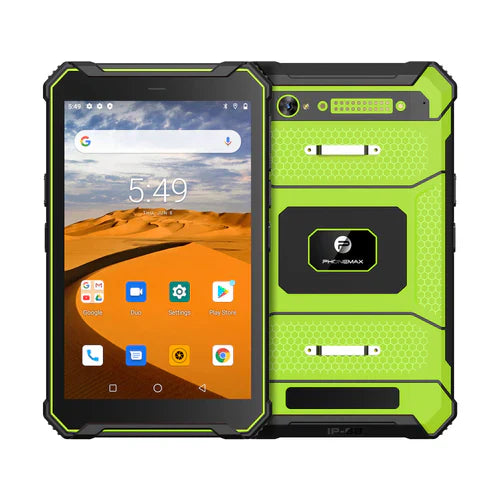
A spare tablet is useful only if the team can bring it into service through the approved setup. An unopened device on a shelf does not establish that its application, account access and accessories are ready for today's work.
Define what the reserve is meant to cover
Identify the tasks that must continue when a deployed unit is unavailable. Decide who releases a spare, how work is transferred and who records the replacement. Set the reserve quantity from your operating needs and service experience rather than a generic percentage.
| Readiness area | Check to assign |
|---|---|
| Configuration | The spare matches an approved deployment setup |
| Software | The intended app and build are identified |
| Access | The approved provisioning route is available when needed |
| Accessories | The required charger, cable and other approved items can be issued |
| Work handoff | Pending tasks have an owner and a documented recovery route |
| Asset history | The issue and return events attach to the correct physical units |
Review the reserve after deployment changes
Ask IT whether a changed app, account policy or accessory affects stored spares. Use the organization's review schedule and manufacturer storage instructions. Do not assume a spare can remain untouched indefinitely or promise a particular battery-storage interval without the applicable guidance.
Watch for variant differences
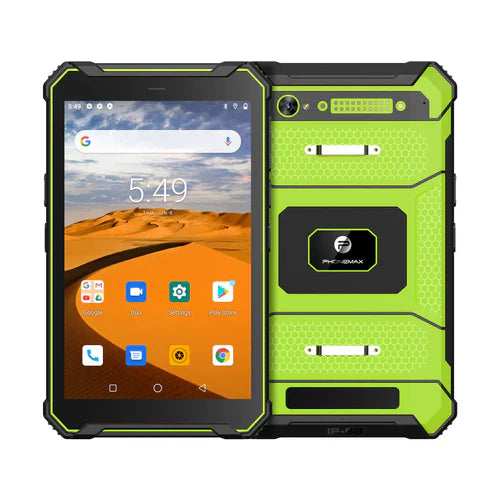
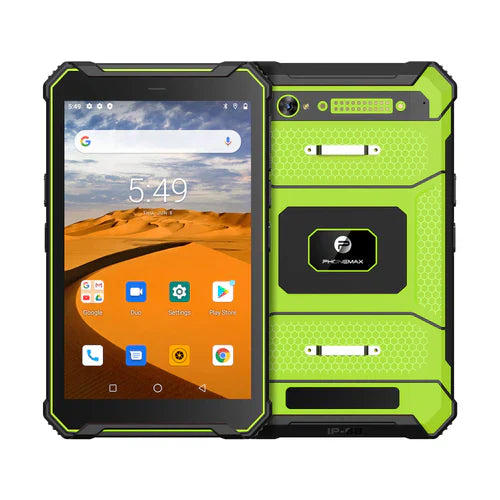
The current T1 configurations include Gray Android 16 with 6GB+128GB and Green Android 10 with 8GB+128GB. Confirm that the proposed spare is approved for the same job; a shared model-family name does not prove interchangeable application behavior.
Ask Phonemax about the required replacement configuration. Availability, service turnaround and provisioning compatibility need confirmation. This is a readiness plan, not a stock guarantee, repair-time commitment or measured recovery-time result.
Related guide: Tablet RAM Requirements: Separate Minimum from Recommended.

コメントを書く
全てのコメントは、掲載前にモデレートされます
このサイトはhCaptchaによって保護されており、hCaptchaプライバシーポリシーおよび利用規約が適用されます。