
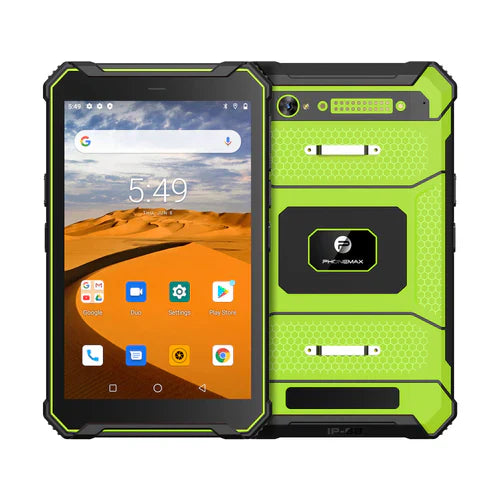
Plan work-file space separately from RAM, and review the free space on the configured sample. A tablet labelled with 128GB storage does not establish how much space remains after provisioning or how much the chosen app needs for a complete offline work pack.
Inventory the files that must travel with the worker
| File category | Planning question |
|---|---|
| Reference documents | Which revisions must remain available during the job? |
| Maps or route packs | Which provider-approved files are needed for the planned area? |
| Captured work | How many images or reports may remain pending? |
| Application downloads | What content does the app prepare or refresh? |
| Retained history | Which files can be removed only after authorized confirmation? |
Measure after the approved setup
Record available space after installing the selected apps and preparing a representative work pack. Then complete a controlled trial with realistic file volumes. Ask the app provider how to identify incomplete downloads and what should happen when space is insufficient.
Define cleanup ownership
Have the document and application owners decide which content is current and which records are safe to remove. Do not clear app data or delete pending files as a routine shortcut. Keep the confirmation step explicit so an operator does not remove the only available work copy.
Keep product memory labels separate
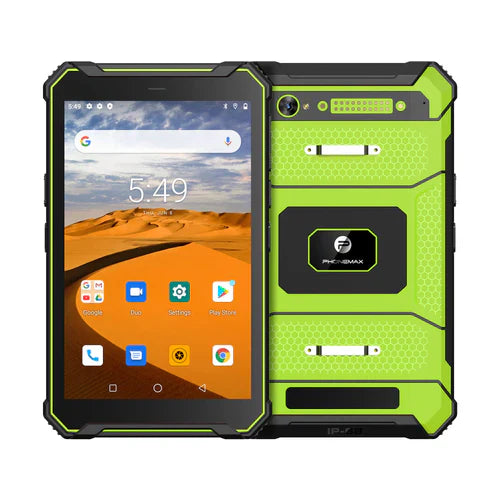
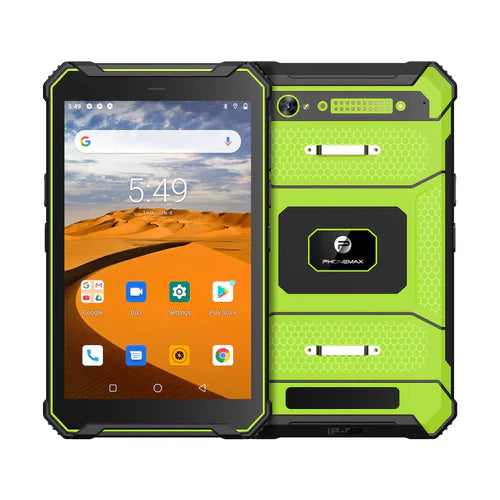
The T1 listing distinguishes 6GB or 8GB RAM by variant, with 128GB listed storage. The N1 lists 6GB RAM and 128GB storage for navigation and roadbook use. RAM figures are not file-space allowances.
Ask Phonemax about the offered configuration and obtain offline-content requirements from the app provider. This is a storage-planning method, not a verified usable-capacity figure, offline-app guarantee or recommendation to remove a specific file.
Related guide: Tablet RAM Requirements: Separate Minimum from Recommended.

コメントを書く
全てのコメントは、掲載前にモデレートされます
このサイトはhCaptchaによって保護されており、hCaptchaプライバシーポリシーおよび利用規約が適用されます。