
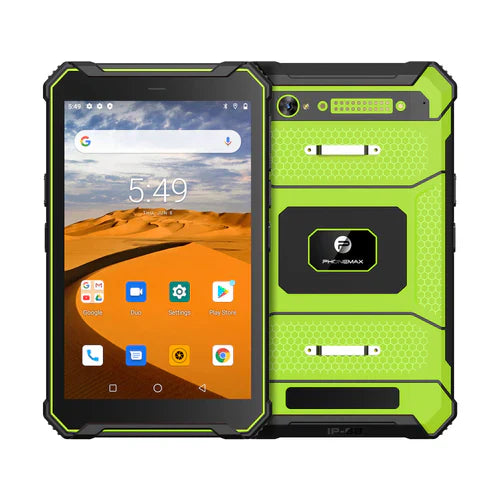
For a navigation-tablet trial, confirm that the chosen app imports the intended route correctly before judging the route display. A powerful processor label does not establish file-format support, route revision or the treatment of waypoints and instructions.
Use a controlled route file
Ask the route or application owner for a non-sensitive test file in the actual required format. Retain its filename, revision and expected contents. Identify whether the workflow needs a roadbook, a track, waypoints or another app-specific file type.
| Import step | What to compare with the reference |
|---|---|
| Select the file | Correct name, revision and source |
| Complete the import | Any warnings or conversion steps are visible and understood |
| Review the route | Expected start, finish and relevant intermediate content appear |
| Open instructions | The intended labels or roadbook information are readable |
| Reopen the prepared route | The worker can identify the intended version again |
Separate import from live navigation
Have the app provider define which later checks are needed for positioning, online services and offline content. A successful import alone does not prove those functions or establish safe vehicle installation. Review files and operate controls while safely stationary.
Use the product's stated purpose honestly
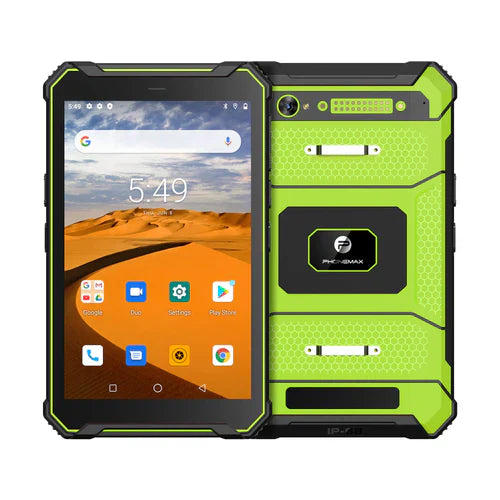
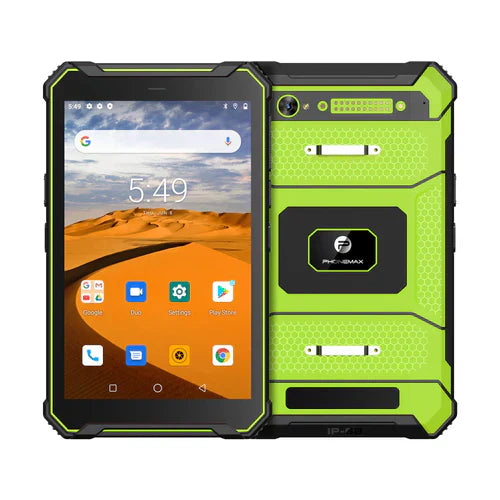
The N1 listing positions it for navigation and digital roadbooks and asks buyers to confirm the app, route format, mount and power arrangement together. It does not approve every route format or provide a universal navigation-performance result.
Discuss the proposed device configuration with Phonemax and obtain file requirements from the software provider. This is a suggested import review, not a measured route-processing result, app compatibility approval or automotive certification.
Related guide: Vehicle Tablet Records: Review Event Times and Time Zones.

コメントを書く
全てのコメントは、掲載前にモデレートされます
このサイトはhCaptchaによって保護されており、hCaptchaプライバシーポリシーおよび利用規約が適用されます。