
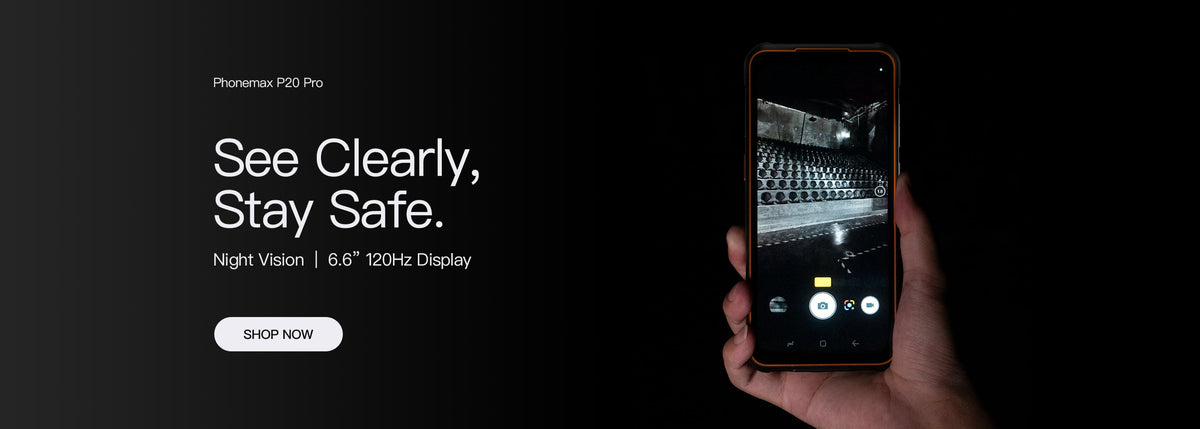
A spare rugged phone should match the requirements of the working setup, not merely resemble the original device. Check the app, network, accessories and approved configuration before assigning it to a user. A shared model-family name is not a complete replacement specification.
Define the replacement record
| Item | What must be checked |
|---|---|
| Model and configuration | Exact hardware and storage version |
| Software | Approved build, work apps and required settings |
| Mobile service | Intended operator, SIM arrangement and calling requirements |
| Accessories | Case, cradle and cable compatibility |
| Protection documentation | Evidence relevant to the replacement configuration |
Do not assume similar names mean interchangeable devices
Retain the full model designation in asset and purchasing records. A different suffix can identify a different feature set or configuration; verify the actual specification rather than transferring a camera, radio or protection claim from another listing.
For example, use the current R4-T product record when reviewing an R4-T replacement. Do not use a generic R4-series image as its specification.
Prepare the spare without copying the fault
Have the IT or application owner authorize setup and account access. Confirm that unfinished work on the unavailable device has an owner. Do not erase the old phone or share another user's credentials to accelerate the replacement.
On a test record, run the core work cycle using the actual accessories and intended service. Record any difference from the previous setup before releasing the spare.
Keep substitutable and non-substitutable items visible
Some tasks may tolerate a different display size, while a fitted cradle or app prerequisite may require an exact match. Agree those boundaries before a fault occurs. Do not accept an alternative configuration solely because it repeats the same IP68 headline.
Ask about availability without assuming it
Maintain a dated list of approved alternatives and recheck availability when ordering. This guide does not promise stock continuity, a substitution right or compatibility of an unreviewed alternative.
Ask Phonemax about the exact replacement requirements, then verify the offered configuration before adding it to the spare-device pool.

コメントを書く
全てのコメントは、掲載前にモデレートされます
このサイトはhCaptchaによって保護されており、hCaptchaプライバシーポリシーおよび利用規約が適用されます。