

Price update — October 9, 2026: Prices in this guide were rechecked in USD against the listed product configurations. Prices and availability may change; confirm the selected configuration on its product page before ordering.
Thermal imaging and night vision do not need a network. That is the useful thing to understand about working a remote site with a device like the R4 GT: the two capabilities you are actually there for continue to operate locally with no mobile signal, because they are sensors, not services. What breaks offline is everything around them — the work order you did not download, the asset reference you assumed you could look up, the upload you expected to happen automatically. Prepare those, put the radio in flight mode, and a no-coverage inspection day is entirely normal.
Key facts: what works with no signal
| Capability | Works offline? | Notes |
|---|---|---|
| Thermal imaging | Yes | A sensor, not a network service |
| Night vision | Yes | Same |
| Photo and video capture | Yes | Ensure free storage before you leave |
| Local notes and checklists | Yes | Must be stored locally, not cloud-only |
| Satellite positioning | Yes | Does not require a mobile network |
| Map display | Only if cached | Download the area in advance |
| Calls, SMS, cloud sync | No | Requires coverage |
| Asset lookups, live databases | No | Cache what you need beforehand |
The R4 GT is a compact 4G rugged phone combining thermal imaging and night vision. The current product page lists 121 × 59.2 × 18.3 mm, 190 g, a 3,200 mAh battery, IP68/IP69K and MIL-STD-810H claims, and a 256 × 192 thermal sensor with NETD below 40 mK. It is listed at $298 in Orange and Gray. It supports published 4G, 3G and 2G bands — not 5G — so compare the band list with the carrier used at each site.
Why remote inspection is the natural case for this device
There is a real argument that limited-connectivity work is where a compact thermal phone makes the most sense, rather than the least.
Remote sites are exactly where a dedicated thermal imager is least likely to be present. The instrument lives at the depot; the site is two hours away; nobody carries it speculatively. A phone-sized thermal device is carried by default, which means the capability exists at the moment somebody notices a problem. That is the whole detection argument from our comparison articles, amplified by distance.
Meanwhile the device's dependence on connectivity is lower than most field tools, because imaging is local. You capture now and transmit later. Compare that with a workflow built around live database lookups, which simply stops.
The honest framing: the R4 GT is a good offline capture device. It is not an offline measurement device — the current product page lists a 256 × 192 thermal sensor and NETD below 40 mK, but those figures do not establish measurement accuracy or calibration traceability. If the trip requires certified readings, take a calibrated instrument.
Before you leave coverage
Download the work orders and asset data. Everything you would normally look up. If a job depends on knowing which of four identical cabinets is asset 4471, that mapping needs to be on the device, not in a portal.
Cache map coverage for the whole area plus a margin. Verify by switching to flight mode before departure and confirming the map still renders. Two minutes of checking prevents the most common offline failure.
Screenshot anything critical. A screenshot is a local image file. It survives app logouts, expired sessions and sync failures.
Check storage. Thermal captures accumulate. Arriving at a remote site with a full device is an avoidable and very annoying failure.
Confirm the reference images you may want to compare against are cached locally, if your workflow involves comparing today's scan with a previous one.
Charge fully and carry supplementary power. Thermal capture is a heavy load, and a phone hunting for absent signal is another. The current product page lists a 3,200 mAh battery. Actual endurance still depends on thermal use, signal conditions, screen time and temperature, so test your workflow before a long remote trip.
Tell someone your plan and expected return. For remote lone work this matters more than any device setting.
On site: radio discipline
Flight mode, positioning on. In a genuine dead zone, the modem searching at full power is the single largest avoidable drain. Satellite positioning receives directly from satellites and continues to work in flight mode on most Android builds, so you keep location and cached maps while stopping the expensive part.
If you need to stay reachable in marginal coverage, check periodically rather than continuously — flight mode by default, out of flight mode for a few minutes at fixed intervals or at known high points. This converts constant drain into occasional drain.
Batch your thermal captures. As with any thermal work, a concentrated pass produces both better power behaviour and more comparable images, since surface temperatures shift through the day.
Keep the device warm in cold conditions. Lithium capacity falls in cold; an inside pocket between captures meaningfully extends the working day.
Capture discipline when you cannot verify remotely
This is the part people get wrong. Offline, you cannot upload an image and have a colleague confirm it is usable. So the standard has to be higher on site.
Review every capture before moving on. A blurred or badly framed thermal image discovered back at the depot means a return trip to a remote site.
Capture context as well as the anomaly. A thermal image of a hot component is much less useful three days later without a normal photograph showing which component, on which unit, in which room.
Note the conditions. Ambient temperature, weather, time, whether the equipment was running and for how long. Thermal readings are meaningless without them, and your memory will not survive the drive home.
Number things consistently. Without a live asset database to check against, a consistent local naming convention is what keeps forty captures from becoming an unsortable pile.
Coming back into coverage
Sync deliberately, not automatically. Walking into a weak signal with a day of thermal captures queued is a good way to fail most of them and flatten the battery retrying.
Get a stable connection first, then upload in order of importance — the anomalies that need action tonight before the routine documentation.
Comparison: alternatives for remote work
If the trip is navigation-led rather than inspection-led, the Phonemax N1 at $509 is a rugged Android 16 tablet with GPS, GLONASS and Galileo positioning, a 12,000 mAh battery and IP68/IP69K protection. The battery capacity alone changes multi-day planning, though it has no thermal camera.
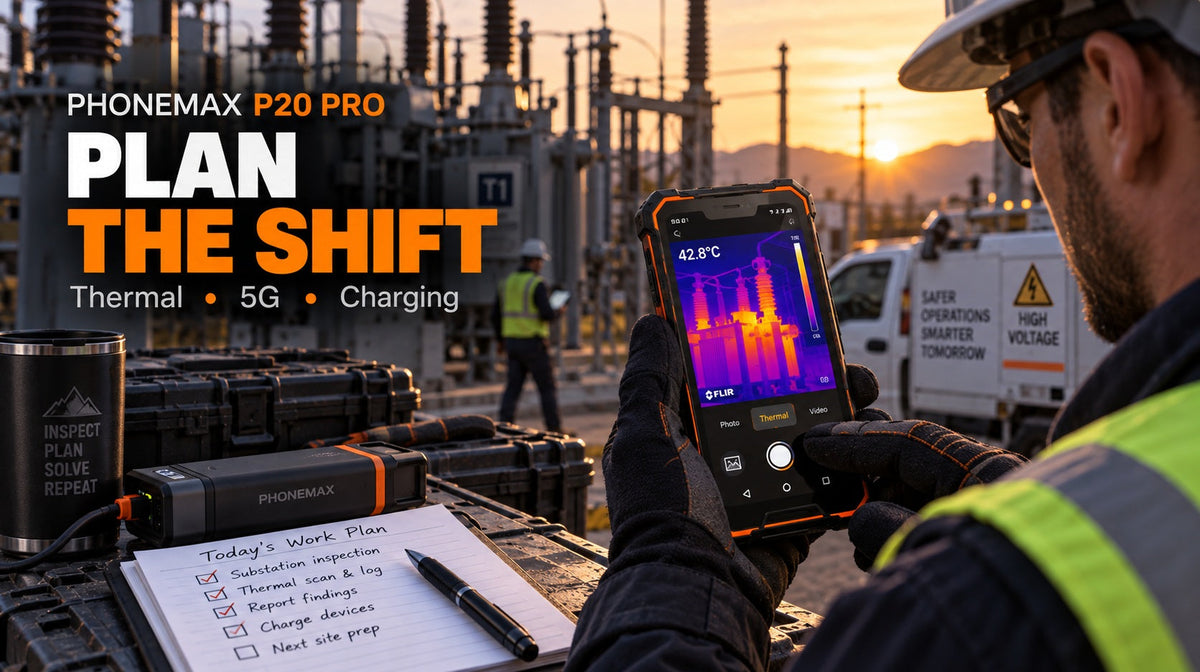
If you need thermal plus 5G and a larger screen, the Phonemax P20 Pro at $479 covers that at 172.6 x 81 x 17.8 mm and 394 g — more than twice the R4 GT's weight, which matters when you are walking a site.
If low-light visibility rather than heat detection is the requirement, the Phonemax X3 at $155 adds L1+L5 dual-band positioning, which can improve position stability in the obstructed terrain remote sites tend to involve.
If endurance is the binding constraint, the Phonemax P2 at $191 publishes an actual 6100 mAh capacity with IP68/IP69K protection — a published figure, unlike the R4 GT.
Compare within the Thermal Imaging Rugged Phones and Rugged Phones collections.
Limitations and what to know
- No phone is a satellite communicator. Positioning is receive-only. Seeing your coordinates does not mean anyone else can see them and does not let you call for help. Genuinely isolated work needs a satellite messenger or personal locator beacon — equipment we do not sell.
- No 5G on this model. 4G, 3G and 2G only.
- The battery is listed at 3,200 mAh, but runtime is not guaranteed. Test endurance with your thermal workload, network conditions and ambient temperature before a long trip.
- The product page lists 256 × 192 thermal resolution and NETD below 40 mK. These do not by themselves establish measurement accuracy or calibration traceability. For measurement-grade output, use a calibrated instrument.
- Night vision is not thermal imaging. This device has both, which is unusual; do not conflate them when deciding what you can detect.
- Emergency calling behaviour varies by country, carrier and infrastructure. Never treat it as a safety plan.
- Cold reduces battery capacity on any lithium device.
- Offline app behaviour differs by app. Test yours in flight mode before departure, not at the site.
FAQ
Does thermal imaging work without a mobile signal? Yes. The thermal camera is a sensor built into the device, not a network service. It works with no coverage at all, as does night vision and normal photography.
Does GPS work with no signal on the R4 GT? Satellite positioning does not require a mobile network. Map applications, however, normally download map imagery over the network, so cache your maps before losing coverage.
Should I use flight mode at a remote site? Generally yes, where there is genuinely no usable coverage. It stops the modem searching at full power, which is a significant drain, and most Android builds allow location services to stay active in flight mode.
How do I know my documents are actually available offline? Switch to flight mode before leaving and open each one. Anything that fails to load was never cached.
Can I trust R4 GT thermal captures for a report? As indicative images clearly labelled as such, yes. Not as measurement evidence — the listed 256 × 192 resolution and NETD below 40 mK do not establish traceable measurement accuracy or calibration.
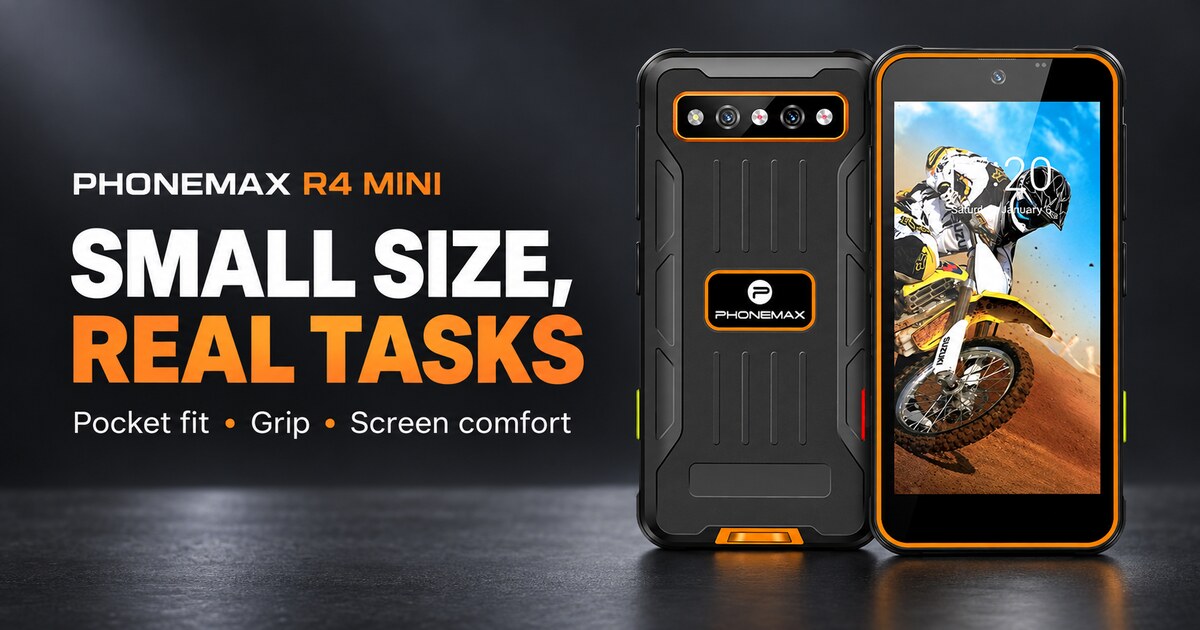
What is the difference between the R4 GT and the R4 Mini for remote work? The R4 GT at $298 adds thermal imaging and night vision in a 190 g body. The R4 Mini at $138 and 150 g has neither. If detection is the reason for the trip, the R4 GT is the relevant model.
Editorial disclosure
Phonemax publishes and sells the R4 GT. Product specifications were checked against the current Phonemax product page on 8 September 2026; independent reviews are cited separately. The device can capture thermal images offline, but it is not a satellite communicator and should not replace calibrated inspection equipment or a dedicated emergency beacon.
Sources and references
- Phonemax R4 GT product page — manufacturer specifications and published bands
- TechRadar, Phonemax R4GT review (independent)
- Root-Nation, Phonemax R4GT hands-on review (independent)
- iXBT Live, Phonemax R4GT coverage (independent, Russian)
Evidence boundaries: device specifications, prices and published bands are first-party manufacturer data. The current product page displays 256 × 192 thermal resolution and NETD below 40 mK; independent reviews provide separate hands-on context. The three reviews are independent third-party assessments, unpaid to our knowledge, but none tests offline workflow, battery endurance or thermal accuracy under controlled conditions. The current product page lists a 3,200 mAh battery; no fixed runtime is claimed. The offline workflow guidance is general Android field practice, not benchmarked on this device.
Related guides
- Phonemax R4 GT vs P20 Pro: Compact Thermal Phone or 5G Thermal Rugged Phone?
- When GPS Is Not Enough: A Rally Navigation Backup Plan for Phonemax N1 Users
- The World's Smallest Rugged Smartphone with Night Vision and Thermal Imaging

コメントを書く
全てのコメントは、掲載前にモデレートされます
このサイトはhCaptchaによって保護されており、hCaptchaプライバシーポリシーおよび利用規約が適用されます。