
A field photograph is useful when it reaches the correct job, asset and inspection item. Image capture and business-record association are separate acceptance questions. Check the receiving record rather than judging a photo workflow only by camera resolution.
Use distinguishable test jobs
Create two authorized, non-sensitive jobs with clear identifiers. Use photographs that can be distinguished without exposing people or customer information. Define which image belongs to each inspection item before starting the trial.
| Workflow point | What to verify |
|---|---|
| Open the assignment | The correct job and asset identifiers are visible |
| Capture or select a photograph | The intended image is attached to the correct item |
| Move to another job | The association does not carry over unintentionally |
| Remove or replace a test image | The app shows which attachment will actually be submitted |
| Review the receiving system | The correct image count and associations appear in each job |
Include the confusing case
Ask the application owner which supported actions should be evaluated when a worker returns to an earlier assignment or submits after a connection interruption. Record both the tablet display and the receiving-system result. A thumbnail remaining on screen does not by itself confirm the final uploaded record.
Choose a tablet around the workflow
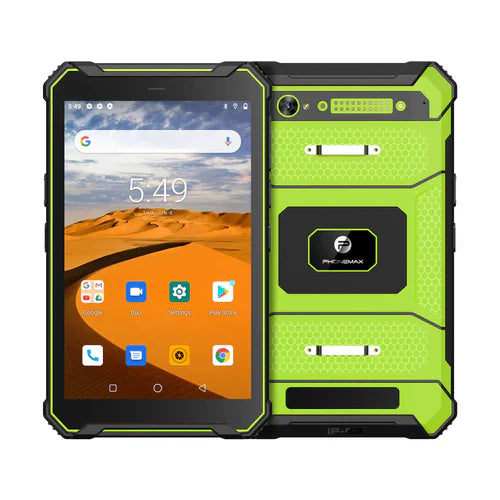
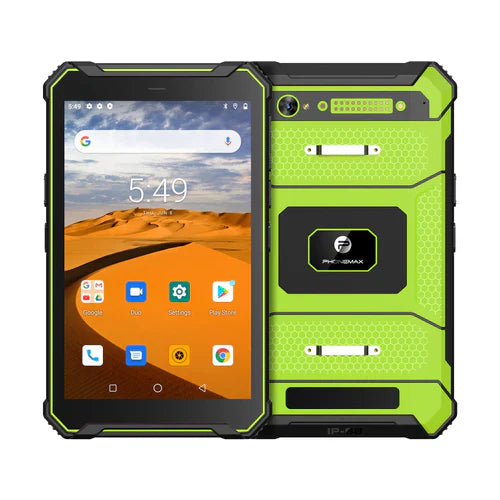
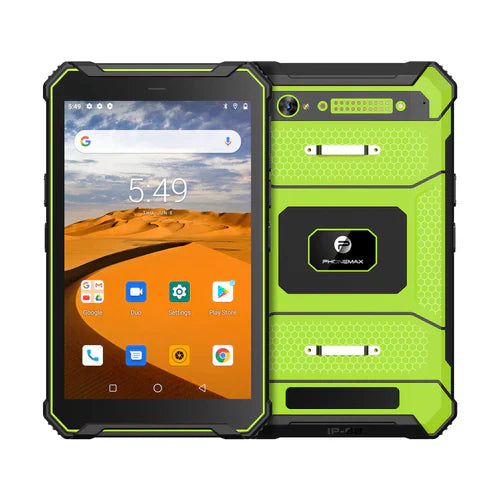
The T1 is presented for inspections and other industrial field work. Its product positioning does not certify the record association performed by a third-party app. Identify the selected tablet version, app build and service environment in the test record.
If an image appears in the wrong job, stop using real customer records to reproduce the issue and send the app owner a controlled example with timestamps and test identifiers. Discuss the required tablet configuration with Phonemax. No photo-upload integrity, application compatibility or data-association result has been measured for this article.
Related guide: Android Work Tablets: Verify PDF Forms and File Handoffs.

Оставить комментарий
Все комментарии перед публикацией проверяются.
Этот веб-сайт защищается hCaptcha. Применяются Политика конфиденциальности и Условия использования hCaptcha.