
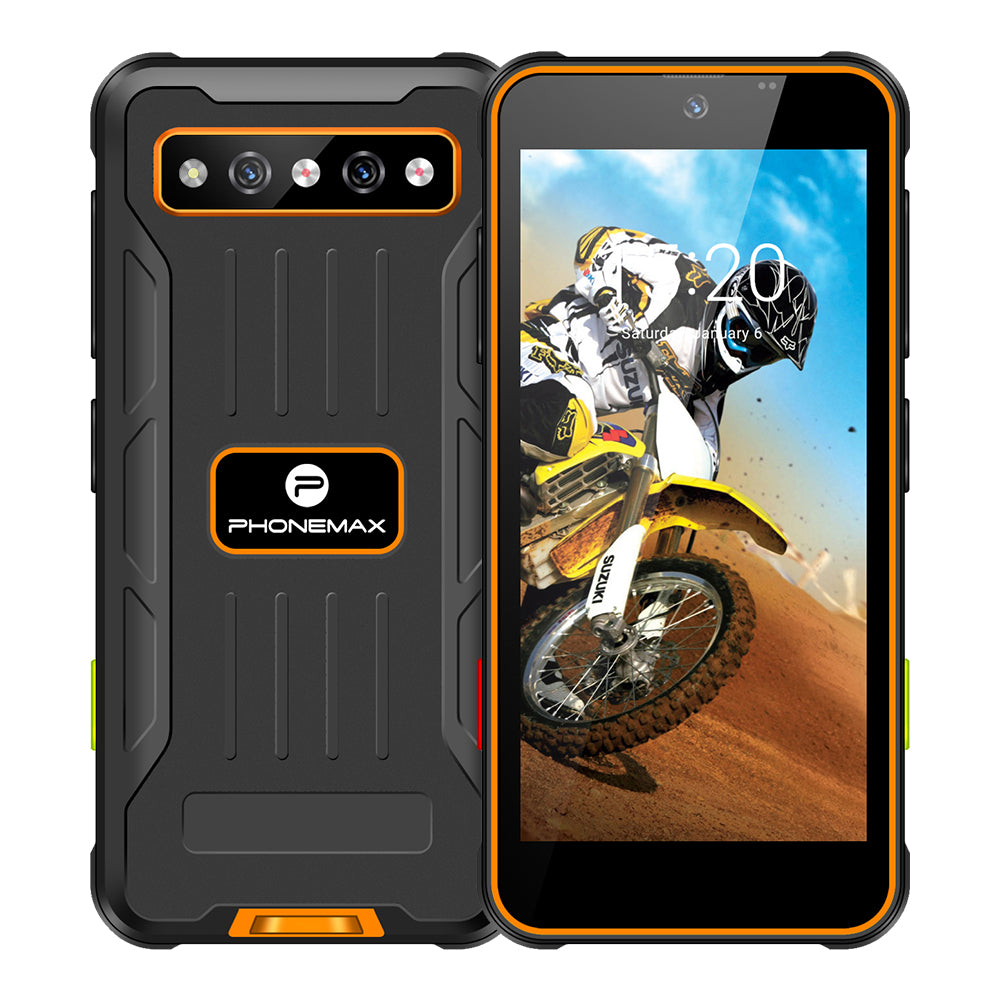
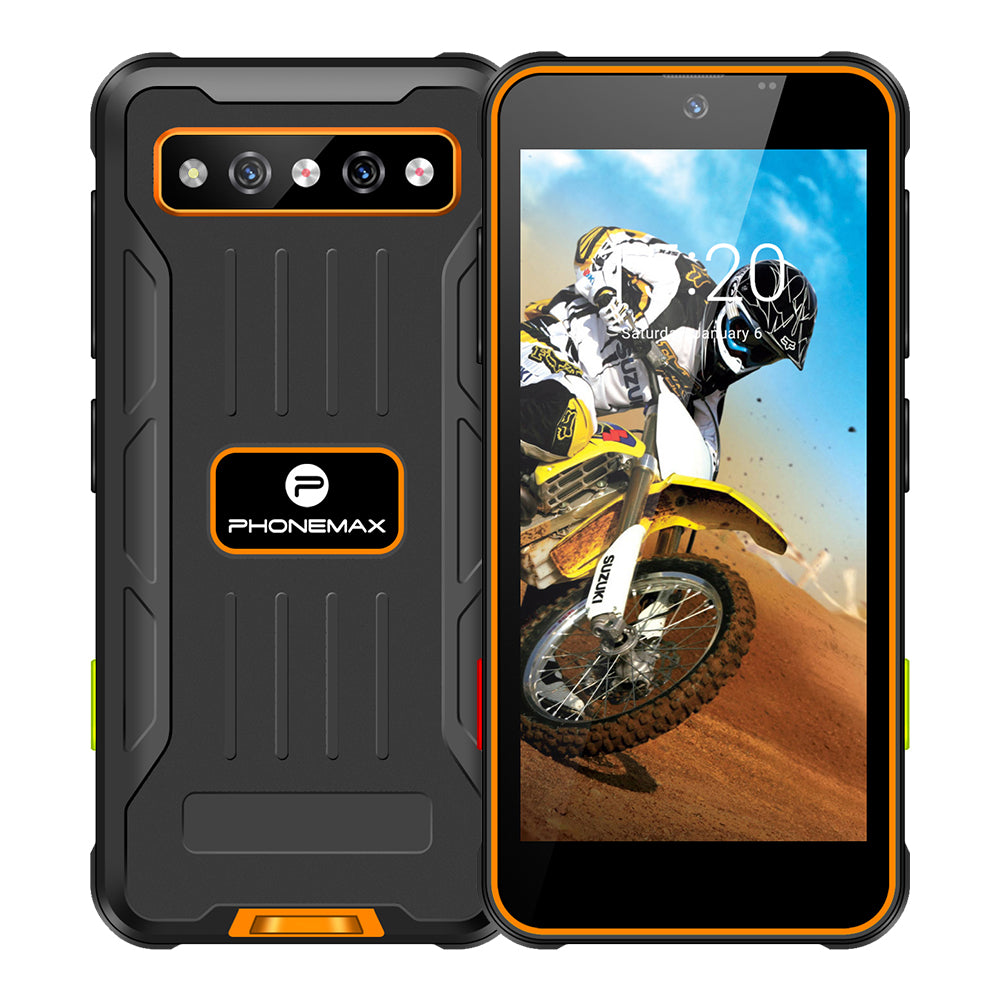
A compact 4GB phone should be tested through the complete reporting sequence. Opening the application alone does not establish that photographs and entered data remain usable during interruptions.
Build the attachment task
Enter a report, capture several representative photographs and add them to the record. Open another required app and return. Check attachment previews and whether the application keeps the report's current position.
Follow submission
Correct an entry, submit the record and review it in the office system. Check that the right images accompany the right assignment. Record any reloading or duplicate attachment with the hardware and software configuration.
Choose the tested variant
Current X5 information includes 4GB/64GB options as well as a T615 6GB/128GB configuration. Do not transfer results between them without relevant checks. Use the compact sample with the intended case and screen settings. Retain the accepted attachment examples so updates can be evaluated for work continuity rather than assuming a memory specification guarantees every reporting workflow.
Review the current Phonemax X5 specification for the model being compared.


Оставить комментарий
Все комментарии перед публикацией проверяются.
Этот веб-сайт защищается hCaptcha. Применяются Политика конфиденциальности и Условия использования hCaptcha.