
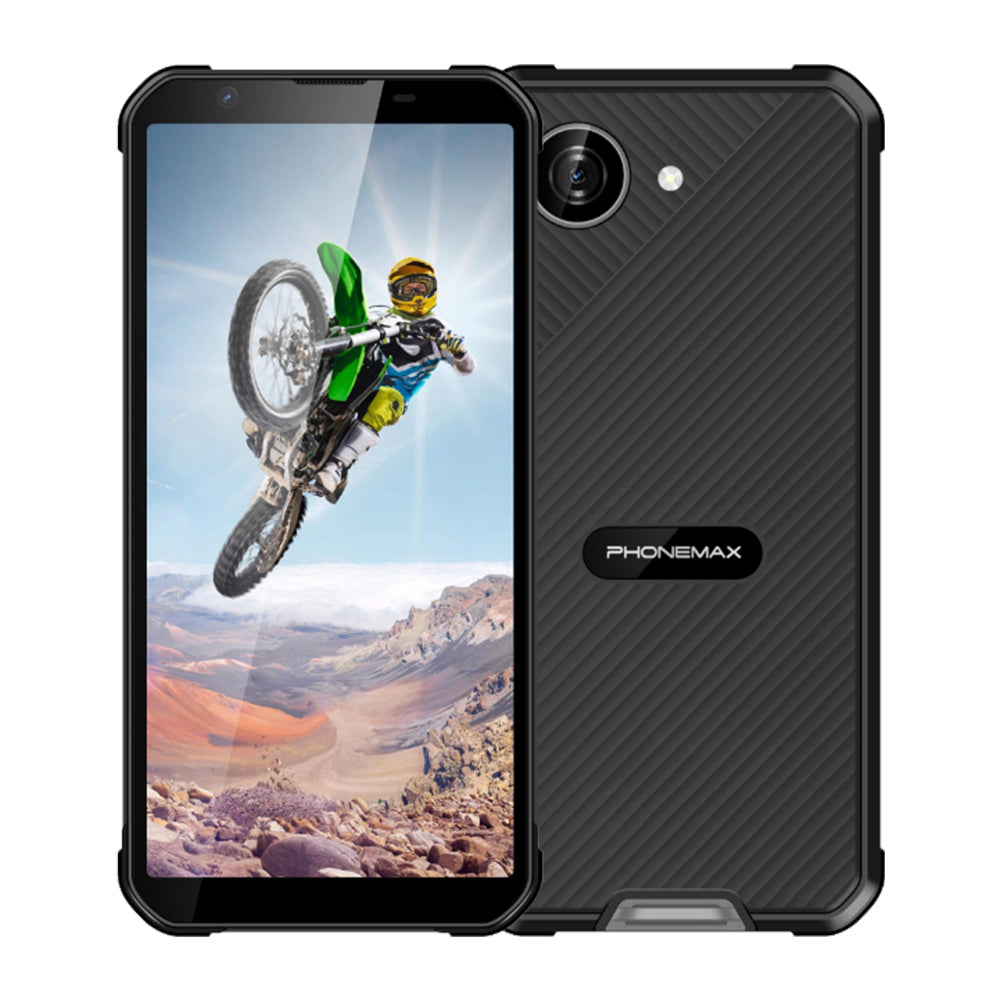
Water protection and wet-glove touch operation are separate requirements. A 6.3-inch FHD waterproof-phone request should identify both the documented ingress conditions and the input behavior needed for the job.
Define the operating situation
State the glove material, expected rain or splash exposure and the controls workers need to use. Ask the supplier whether the offered model supports that touch scenario. Do not treat an IP rating as proof that a wet screen will interpret every gesture correctly.
Observe the actual task
Use the proposed screen protector and perform a short, repeatable task such as opening an assignment and entering a result. Record missed touches and unintended inputs with dry gloves and in the permitted wet-use conditions. Follow the manufacturer's instructions; avoid inventing an immersion demonstration as a substitute for ingress documentation.
Keep protection and screen claims accurate
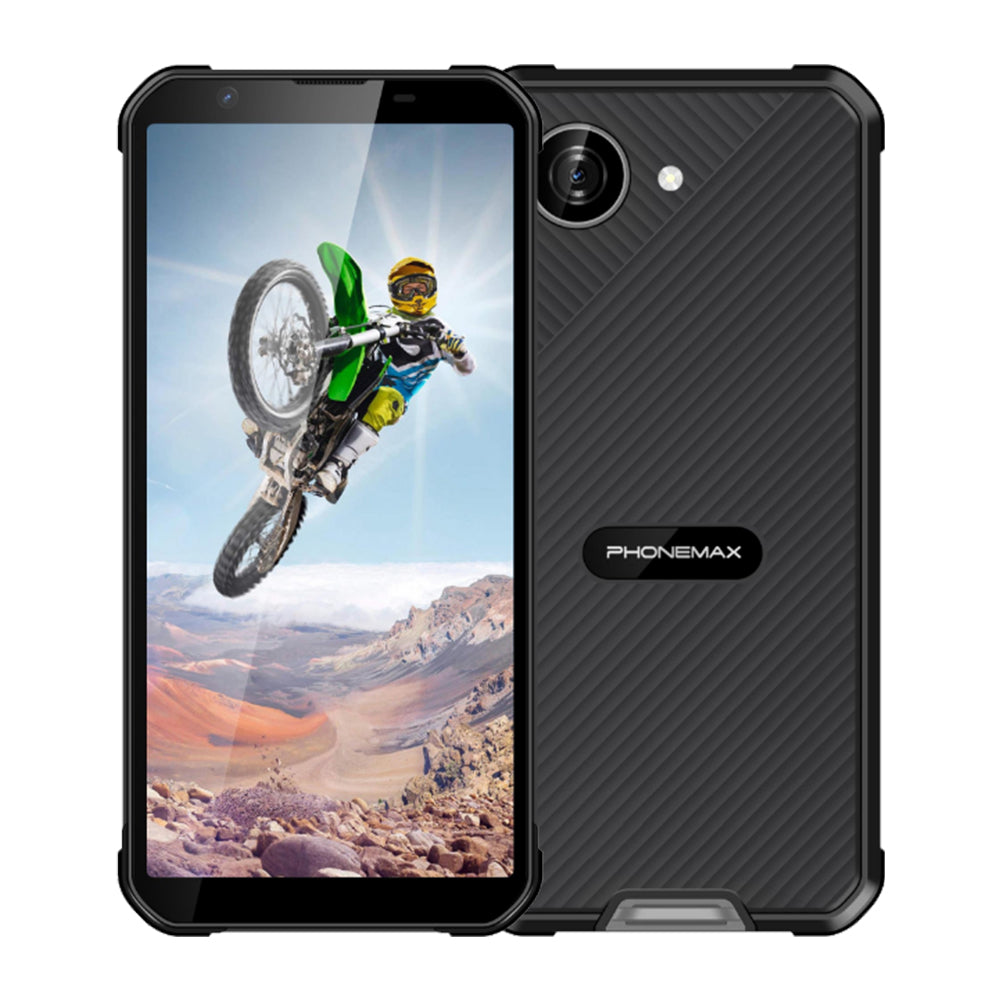
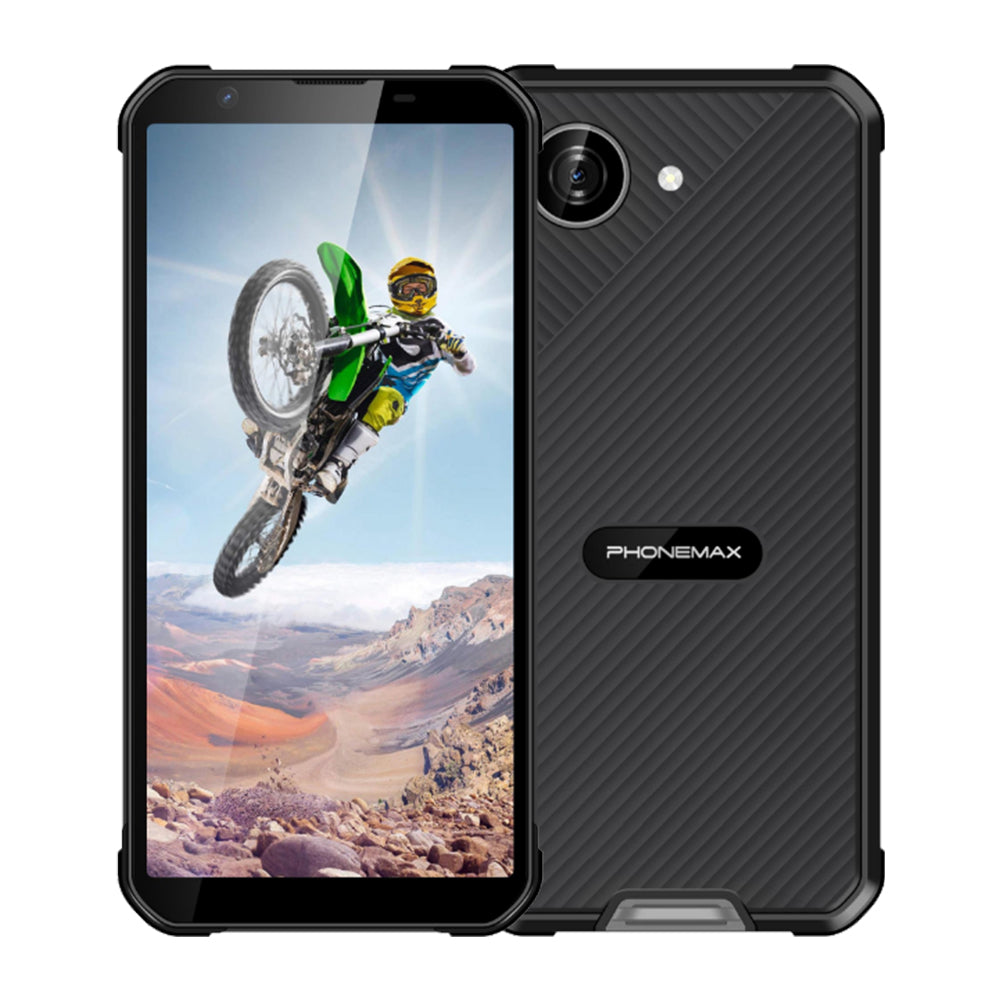
The current X5 description specifies IP68 and a 5.3-inch screen. It does not establish a 6.3-inch FHD configuration or a universal wet-glove capability. Obtain the relevant documentation for a matching model, then approve touch behavior through the task trial. Include cover inspection and a dry charging routine in staff instructions so successful input testing does not encourage unsuitable charging practices.
See the current Phonemax X5 specification when assessing a compact alternative.

Оставить комментарий
Все комментарии перед публикацией проверяются.
Этот веб-сайт защищается hCaptcha. Применяются Политика конфиденциальности и Условия использования hCaptcha.