
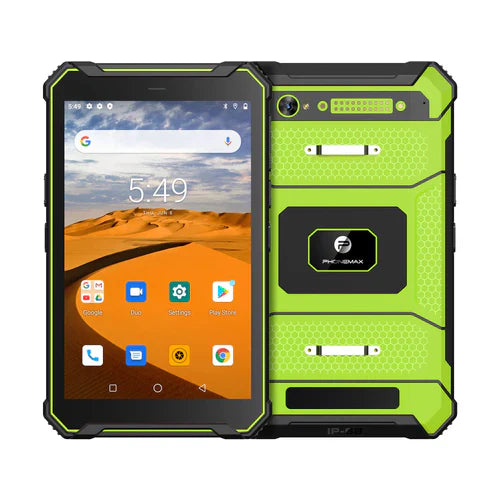
Ask a tablet supplier to label physical RAM, any advertised memory extension and built-in storage on separate lines. A combined number or “4GB+64GB” phrase should not be interpreted without identifying what each part means for the offered variant.
Request a configuration explanation
| Label | What to confirm |
|---|---|
| Physical RAM | The installed RAM amount in the offered hardware |
| Memory extension | Whether a software feature is included in an advertised total, and how the supplier defines it |
| Built-in storage | The separately stated file-storage specification |
| Expansion option | The supported medium and configuration, if required |
| Software build | The version to which any displayed memory setting applies |
Keep the app requirement in its original terms
If the application provider requires physical RAM, ask it to evaluate the actual installed amount. Do not substitute an unexplained advertised total or file-storage number. Have the supplier explain any optional memory setting rather than assuming what it does or promising a performance improvement.
Use the current product values honestly
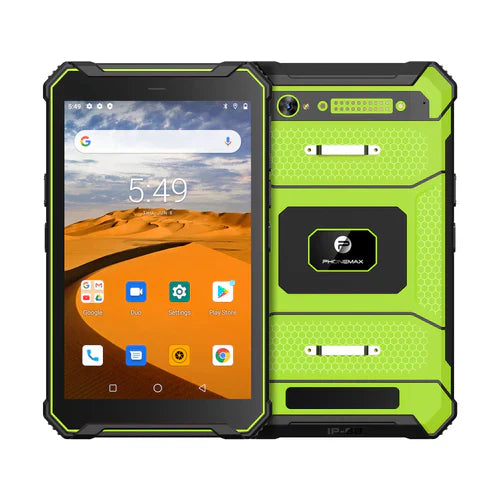
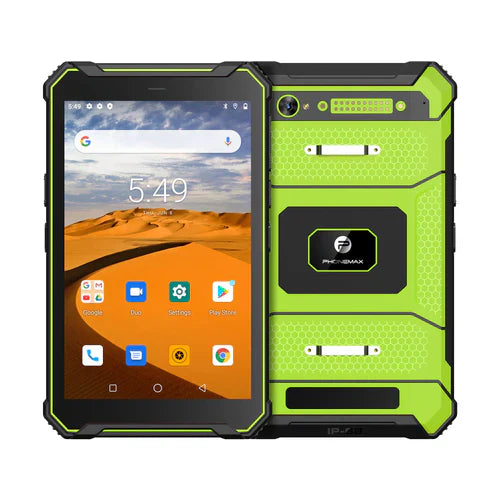
The T1 lists Gray 6GB RAM+128GB storage with Android 16, and Green 8GB RAM+128GB storage with Android 10. The N1 lists 6GB RAM+128GB storage and Android 16. These records do not establish a 4GB+64GB version.
Retain the confirmed specification and sample reference with the order. If a different capacity is essential, ask whether it can be evaluated rather than rewriting a listed product's values.
Ask Phonemax for a clearly labelled configuration. No memory-extension implementation, expanded-memory benefit, usable file capacity or custom variant is verified here.
Related guide: Work Tablet Memory: Reproduce a Slowdown Before Changing RAM.

Оставить комментарий
Все комментарии перед публикацией проверяются.
Этот веб-сайт защищается hCaptcha. Применяются Политика конфиденциальности и Условия использования hCaptcha.