
When assessing a tablet against a 4GB RAM requirement, include a return-to-task check after the work app reloads. Record whether the correct job, saved entries and attachments reappear. RAM capacity alone does not establish how an application preserves work.
A practical reload exercise
- Use a sample account and a clearly labelled test job. Enter a value and save it through the normal app controls.
- Open the other applications used during a shift, then return to the work app. Record whether it resumes immediately or displays its startup screen.
- If it reloads, reopen the test job and compare the saved field, attachment and job ID with the reference record.
- Ask the app owner how unsaved work is handled. Evaluate that behavior only with disposable test data and an agreed procedure.
Android's startup guidance distinguishes cold, warm and hot starts. A return to an app can therefore involve a different startup path from the one observed in a short demonstration. A reload does not, by itself, identify insufficient RAM as the cause.
Separate the purchase specification from the observation
| Record | Purpose |
|---|---|
| Physical RAM, OS build and app release | Identify the evaluated configuration |
| Resume or reload, with time and screen | Describe what actually happened |
| Saved versus reopened job values | Check continuity of the work record |
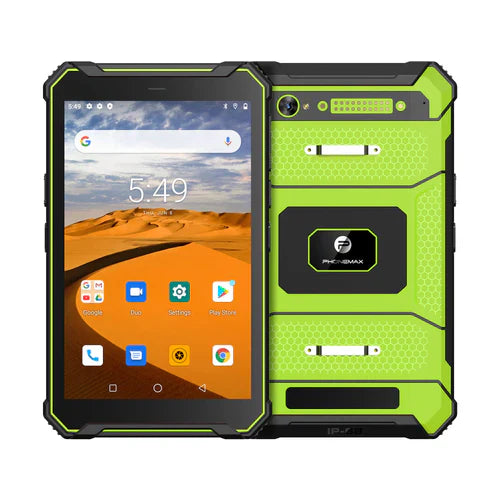
The current T1 listing specifies Gray 6GB/128GB/Android 16 and Green 8GB/128GB/Android 10. It does not establish a 4GB T1 variant. No reload or data-retention test is reported here.
Use the related app acceptance matrix, then send Phonemax the app and configuration requirements.


Оставить комментарий
Все комментарии перед публикацией проверяются.
Этот веб-сайт защищается hCaptcha. Применяются Политика конфиденциальности и Условия использования hCaptcha.