
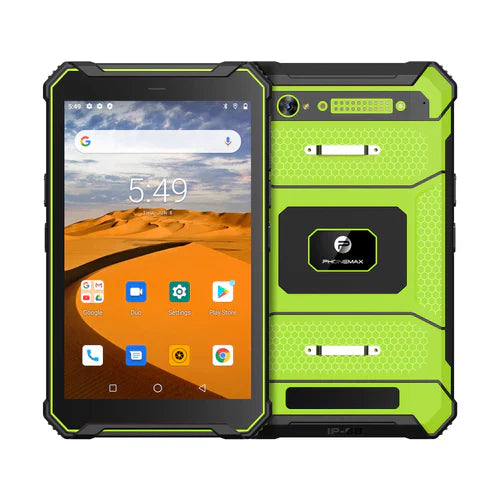
A 2D barcode tablet purchase should identify the required codes and the actual scanner configuration. The current Phonemax T1 is listed without a Honeywell barcode scanner; it should not be sold as a confirmed integrated 2D scanner model.
Define the barcode task
Prepare representative labels from the operation and identify their code types with the software provider. Record label size, expected reading distance, damaged-label cases and whether codes must be read from screens as well as printed labels.
- Confirm the scanner engine, supported code types and physical trigger arrangement.
- Verify how scanned values enter the production app and which integration it requires.
- Check repeated reads, incorrect-code handling and record association using sample labels.
- Keep the exact hardware configuration and app settings with the acceptance results.
Request the correct configuration
The T1 product page directs scanner projects to confirm the appropriate T1 Pro configuration. That is a request for verification, not proof that an unspecified T1 Pro includes the required engine. Read the scanner configuration guide before choosing hardware. Keep camera-based scanning and a dedicated scan engine as separately evaluated options, with acceptance based on the actual labels and app.


Оставить комментарий
Все комментарии перед публикацией проверяются.
Этот веб-сайт защищается hCaptcha. Применяются Политика конфиденциальности и Условия использования hCaptcha.