
Before buying a wireless remote for a mounted tablet, define what each button press should do in the chosen application. Pairing the remote does not establish that a short press, long press or repeated press will produce the intended action.
Write a button-action map
| Input | Acceptance question |
|---|---|
| Single press | Which command should the active app receive? |
| Held button | Should it repeat, invoke a different action or be ignored? |
| App loses focus | What happens if a dialog or another screen is active? |
| Remote reconnects | Is the intended mapping still active? |
Evaluate while stationary
Use the intended app and approved remote with disposable data in a bench setup or a safely parked, secured vehicle. Compare the visible action with the map and check any saved result. Do not trial controls during driving or while operating moving equipment. Ask the app vendor which input method and remote models it supports.
For a roadbook, for example, describe the required page or instruction action explicitly rather than assuming a generic media button will control it. Treat that example as a requirement to evaluate, not a compatibility claim.
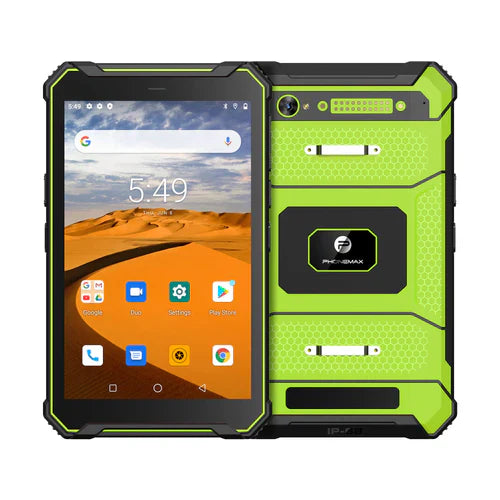
The N1 page positions the tablet for navigation and roadbooks, but does not establish support for a particular Bluetooth remote or button map. No remote-control or in-vehicle operational test is reported here.
Pair this check with unintended job-action checks. Send Phonemax the remote documentation and required app commands.


Оставить комментарий
Все комментарии перед публикацией проверяются.
Этот веб-сайт защищается hCaptcha. Применяются Политика конфиденциальности и Условия использования hCaptcha.