
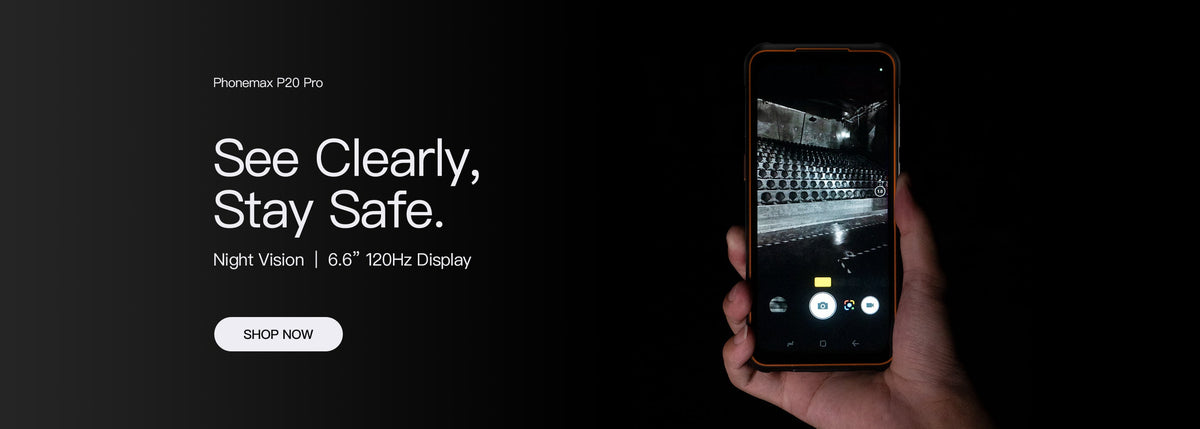
A USB accessory needs three separate checks on a rugged phone: physical fit, the required power and connection role, and application support. A connector that fits is not proof that the complete workflow works. An enclosure rating also does not establish the protection of the phone while an accessory is connected.
Identify the complete connection
Record the phone model, accessory model, cable or adapter and application version. If the port is recessed or a case is fitted, inspect access without forcing the connector or holding a cover out of the way under strain.
| Check | Question to resolve |
|---|---|
| Mechanical fit | Can the intended plug seat normally with the approved case? |
| Connection role | Which device must act as host? |
| Power | Can the arrangement meet the accessory's documented needs? |
| Software | Does the intended app recognize and use this accessory? |
| Exposure | Which conditions are permitted with the port in this configuration? |
Use OTG support as a starting point
The R4-T listing includes USB Type-C and OTG. That does not confirm compatibility with every reader, sensor or storage device. Android's USB host documentation explains that host operation and software communication are part of the connection.
Trial the useful action
- Use the agreed cable and accessory in a suitable dry test setting.
- Open the intended application and follow its connection process.
- Perform the actual task, such as reading a test record or transferring a test file.
- Disconnect and reconnect normally, checking whether the app recovers as expected.
- Record any permissions, power interruption or manual steps needed.
This is a proposed compatibility trial, not a Phonemax integration result. Follow the equipment instructions and do not connect an unknown electrical device to test an assumption.
Ask about the connected condition
A report for a closed phone should not be treated as evidence for a port opened around a cable. Send Phonemax the complete connection requirement and ask what configuration and use conditions can be supported before ordering accessories for a fleet.

Оставить комментарий
Все комментарии перед публикацией проверяются.
Этот веб-сайт защищается hCaptcha. Применяются Политика конфиденциальности и Условия использования hCaptcha.