
A cold-weather ODM project needs a screen and input workflow that workers can actually use. Choosing a rugged housing does not prove that a new display, protector or glove mode behaves correctly at the requested temperature.
Describe input tasks
List the smallest buttons, longest forms and common gestures in the app. Specify glove type, protector and whether a stylus is required. Ask users to complete those tasks on the final screen assembly rather than a development board.
Review changed components
Identify display panel, touch controller, glass, adhesive and firmware revisions. If the ODM project changes any of them, review response, readability, sealing and the environmental evidence. Do not transfer a retail sample's result to an altered screen assembly without an engineering assessment.
Record pass criteria
Count missed actions and unintended touches, and record app completion time and display defects. Choose acceptable thresholds for the actual task before the trial. Ask for a suitable lab test for the specified cold exposure.
Current form-factor reference
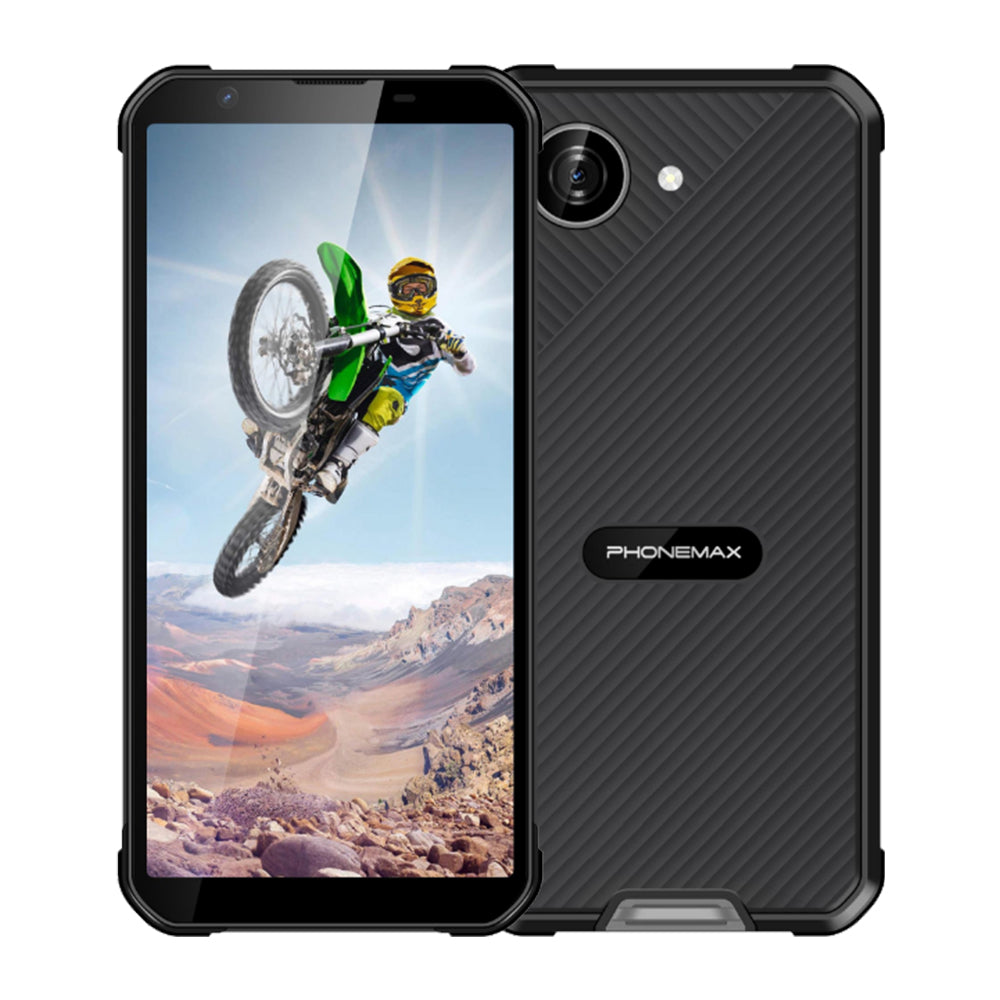
The X5 lists a 5.3-inch display in a compact body, but not a −20°C touchscreen result or guaranteed glove mode. Use it as a size reference and verify the final ODM input configuration separately. Keep the approved screen revision with the order and service-parts list.


发表评论
所有评论在发布前都会经过审核。
此站点受 hCaptcha 保护,并且 hCaptcha 隐私政策和服务条款适用。