
If the work system requires a VPN, evaluate the application through the organization's approved connection. A tablet reaching a public website over 4G does not prove that the private work service, account and application route function as intended.
Have IT define the setup
Identify the approved VPN client, policy, app version and test environment. Ask IT which setup and diagnostics the worker is allowed to use. Keep credentials and private network details out of a public product enquiry.
| Trial point | Required observation |
|---|---|
| Approved provisioning | The intended client and configuration are installed through the authorized route |
| Connection state | The operator can recognize the expected VPN state |
| Work-app sign-in | The correct organization service and account are reached |
| Test transaction | The complete record reaches the authorized receiving system |
| Interrupted connection | The operator follows IT's defined recovery process |
Use platform documentation as background
Android's VPN guidance describes VPN app services, connection state and managed or per-app considerations. It does not approve a particular VPN vendor, policy or device build for your deployment.
Name the proposed tablet version
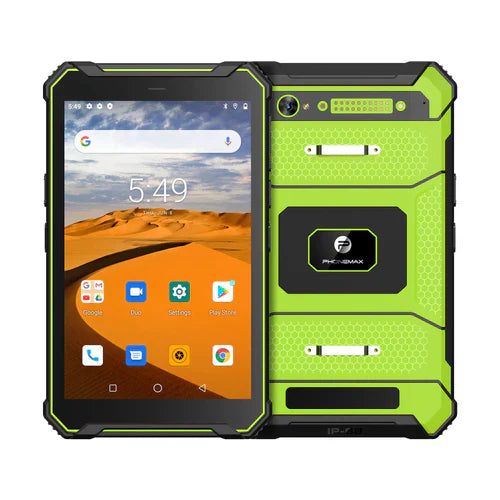
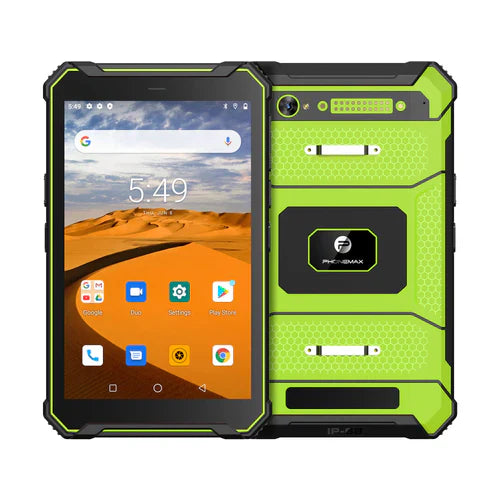
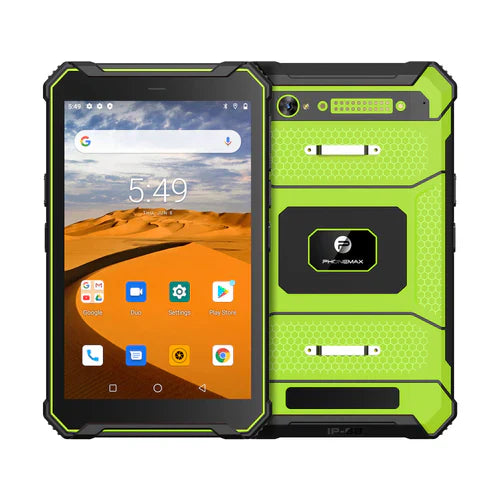
The T1 listing distinguishes Gray Android 16 and Green Android 10 versions. Ask the VPN and application providers to review the selected version. Do not treat the shared product name as a compatibility decision.
Discuss the device configuration with Phonemax and have IT control connection changes. Do not disable required protections merely to make a test pass. No VPN compatibility, private-service availability, encryption assessment or reconnection performance has been verified here.
Related guide: Tablet Video Calls: Review the Remote Helper’s View.

发表评论
所有评论在发布前都会经过审核。
此站点受 hCaptcha 保护,并且 hCaptcha 隐私政策和服务条款适用。