

NFC support does not establish a complete security arrangement. An Android 13 rugged-phone request should name the credential or application workflow and the organization's requirements.
Define the NFC task
Identify the card, tag or supported credential system and the application used. Ask whether the proposed device and software are compatible. Check the actual interaction on a sample instead of assuming every NFC reader can perform every payment or access function.
Review security requirements independently
Record login, device-management and update requirements with the responsible team. Request current manufacturer support information. Do not describe NFC, fingerprint unlocking or an Android version as proof of universal security or compliance.
Test the offered configuration
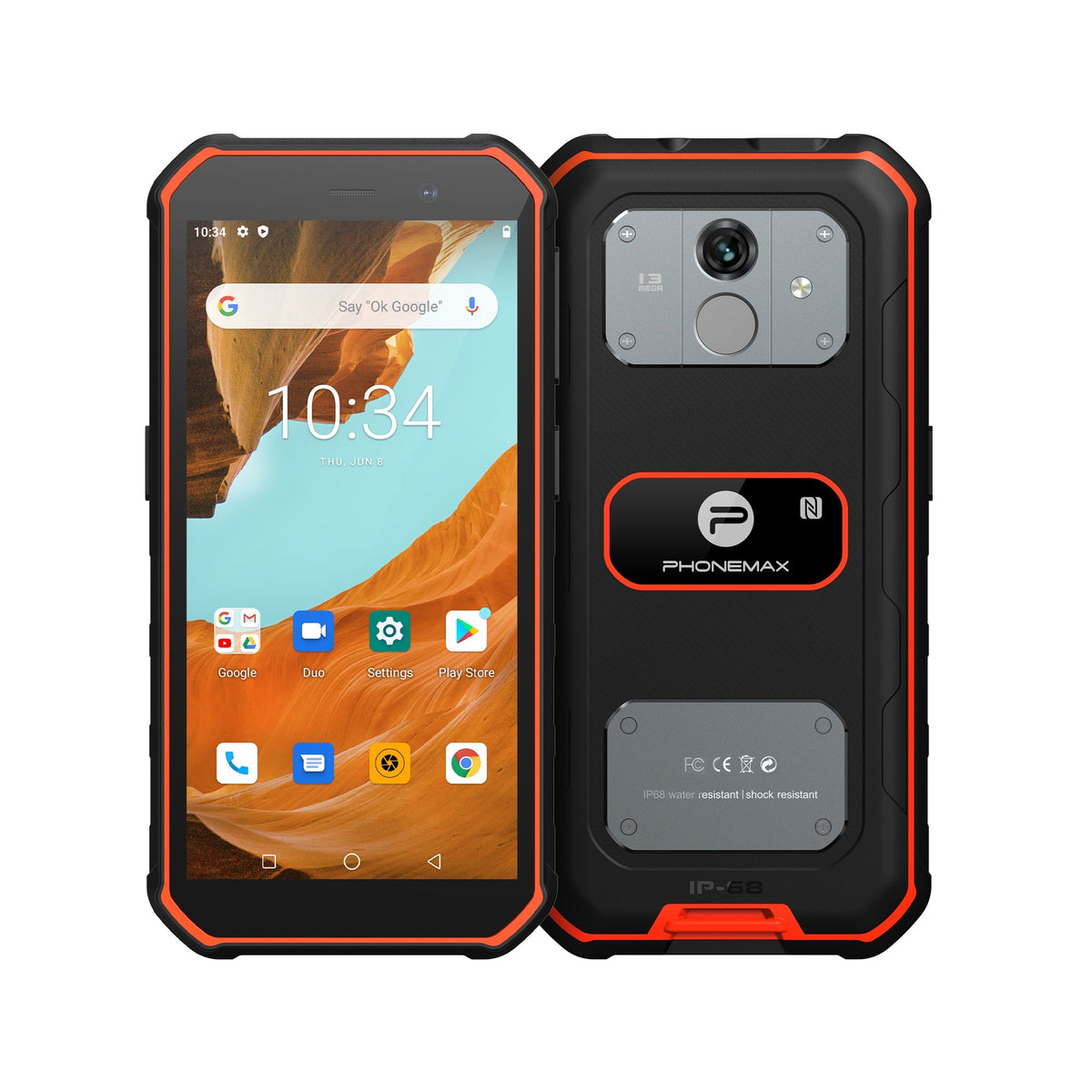
X5 currently lists NFC and Android 16, while fingerprint support differs by variant. It should not be advertised as an Android 13 device with an unspecified optimized-security guarantee. If considered as an alternative, test the specific application and required controls on its quoted version. Preserve the accepted credential system, software and hardware identifiers so later substitutions receive a meaningful compatibility review.
Review current Phonemax X5 details for the configuration used as a comparison.


发表评论
所有评论在发布前都会经过审核。
此站点受 hCaptcha 保护,并且 hCaptcha 隐私政策和服务条款适用。