
Define the transaction
Specify the tag or credential type, intended application and action: reading an asset identifier is different from payment or access control. Test representative tags with the production app and normal user permissions. An NFC hardware listing does not establish approval by a payment or access provider.
Check practical reading conditions
Try the installed case, typical tag position and the intended work surface. Record successful reads, retries and whether the app saves the correct asset record offline. Current X5 specifications list NFC, but the complete workflow still needs qualification before deployment. Keep fingerprint unlocking and NFC functionality as separate acceptance items.
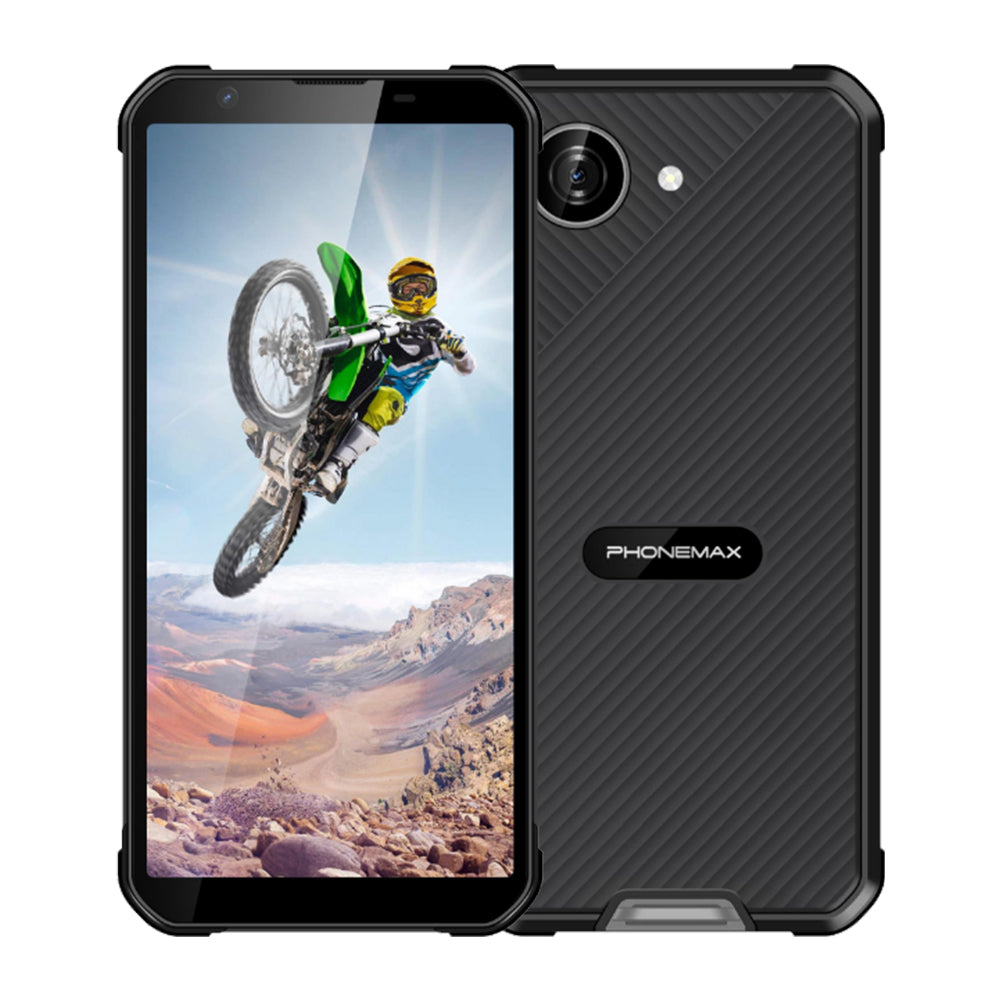
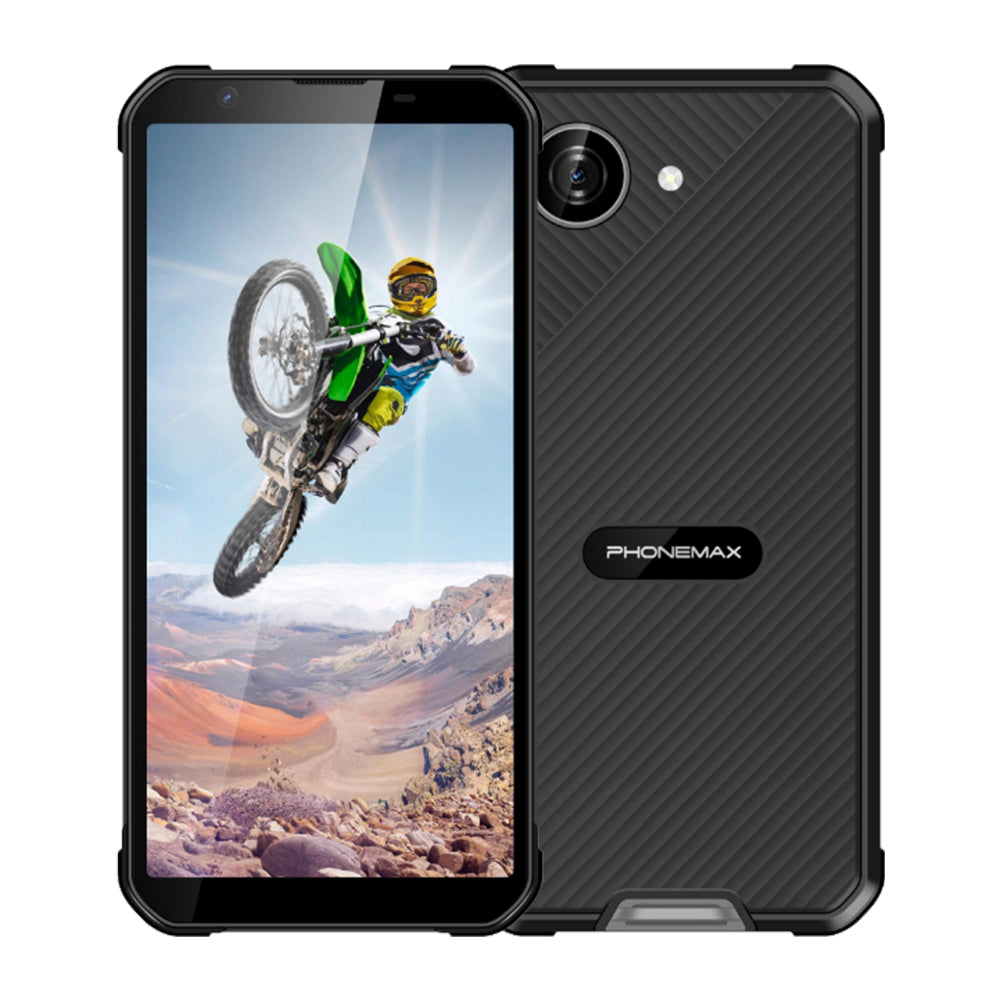
For reference, the current X5 listing describes a 4G Android 16 phone with a 5.3-inch display, 5000mAh battery and variant-specific hardware. Confirm the exact configuration and stated protection limits before purchase. View Phonemax X5 Compact Rugged Smartphone – Android 16, 5000mAh.

留言
所有留言在發布前都會經過審核。
此網站已受到 hCaptcha 保護,且適用 hCaptcha 隱私政策以及服務條款。