
For a long tablet task, evaluate whether the operator can tell that it is progressing, cancel safely where supported and recognize final completion. A processor core count does not answer those workflow questions.
Define the task states
| State | Acceptance question |
|---|---|
| Started | Is there clear confirmation that one operation began? |
| Working | Can the operator distinguish activity from a stalled screen? |
| Cancellation requested | What supported outcome should the app show? |
| Completed | Can the saved output be reopened and identified? |
Use a representative sample
Choose a harmless export, download or document-processing job with the app owner. Record its size, software release and network conditions. Observe the normal run, then evaluate a supported cancellation on disposable data. Check whether partial outputs are identified and whether a retry creates a duplicate. Do not force-stop a production app containing unsaved work to create a cancellation test.
Ask the developer to distinguish local processing from server waiting if timing is unacceptable. Keep observed times separate from a processor specification and avoid assigning a cause without evidence.
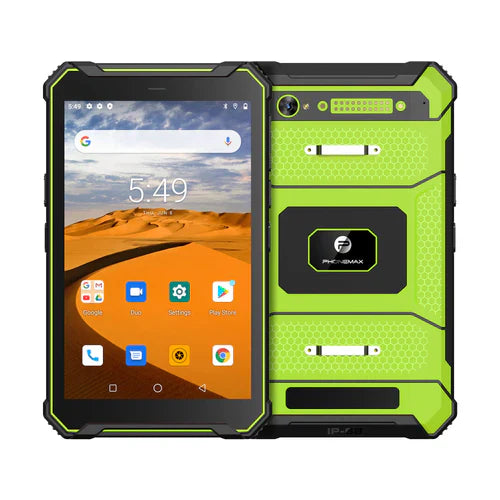
The T1 listing names a MediaTek Helio G80 and distinct Gray 6GB/128GB/Android 16 and Green 8GB/128GB/Android 10 versions. An old quad-core article URL does not establish the current processor configuration or performance.
No task timing or cancellation trial is reported here. Use the processing-versus-server guide and send Phonemax the required workload.


发表评论
所有评论在发布前都会经过审核。
此站点受 hCaptcha 保护,并且 hCaptcha 隐私政策和服务条款适用。