
If a work site uses a Wi-Fi sign-in portal, evaluate the app before sign-in, after authorization and after the network session expires. A Wi-Fi connection indicator does not establish that the work application's server is reachable.
Plan a controlled portal test
| Condition | Observation |
|---|---|
| Connected, portal not completed | Can the operator understand why the work app has no access? |
| Authorized session | Does a harmless job reach the intended server? |
| Expired session | Are pending actions and the need to sign in again clear? |
| Access restored | Is the final job saved once, with its expected values? |
Android's network-state guide distinguishes capabilities including captive-portal and validated connectivity states. Application behavior still needs to be checked against the actual network and server.
Use the network owner's procedure
Ask for a test account and approved way to expire or renew a session. Do not bypass the portal or certificate checks, and do not put live network credentials into a support request. Record the tablet build, app, network and observed messages.
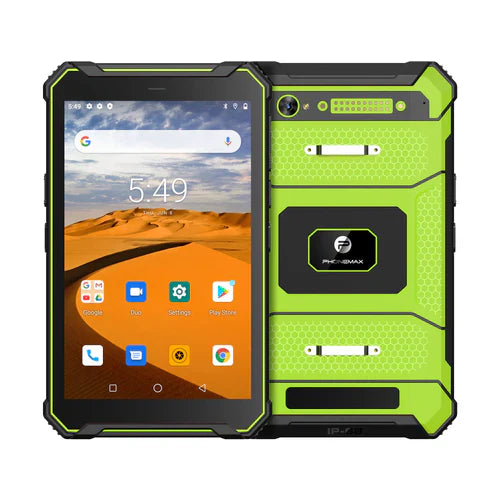
The T1 page does not establish Wi-Fi 5 or compatibility with your site's portal. Confirm the selected configuration's wireless specification and test the intended authorization route separately.
No portal, throughput or session-recovery test is reported here. Use the site Wi-Fi coverage checklist for a separate field review, and send Phonemax the network requirements.


发表评论
所有评论在发布前都会经过审核。
此站点受 hCaptcha 保护,并且 hCaptcha 隐私政策和服务条款适用。