
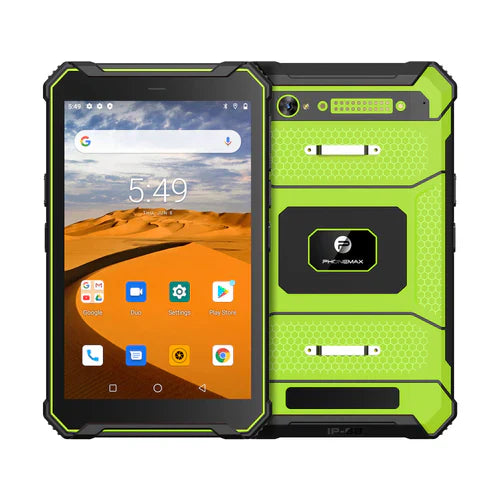
A construction inspection tablet needs to complete the inspection record and meet the site's documented equipment requirements. An 8-inch screen request and a MIL-STD-810G requirement should be checked separately; neither should be inferred from a generic rugged-tablet title.
Walk one inspection from start to finish
Prepare a sample job containing the longest form, a drawing, photographs and a corrective-action note. Check whether the worker can read the drawing, identify the asset and review the completed record on the proposed screen.
- Confirm the exact display specification and app compatibility.
- Check offline access to the required job documents.
- Capture evidence and retain its association with the inspection item.
- Reconnect and verify that the office receives the complete record.
Request the specified environmental evidence
The official MIL-STD-810 description explains a tailored environmental process. Ask for the revision, method, test conditions and hardware configuration relevant to the tender, rather than accepting the standard name alone.
Review a current field-work option
The T1 field inspection guide discusses its 8-inch work-screen role. Verify the current product configuration and supporting documents before approval. This article does not establish a T1 MIL-STD-810G certification or a completed site trial.


发表评论
所有评论在发布前都会经过审核。
此站点受 hCaptcha 保护,并且 hCaptcha 隐私政策和服务条款适用。