
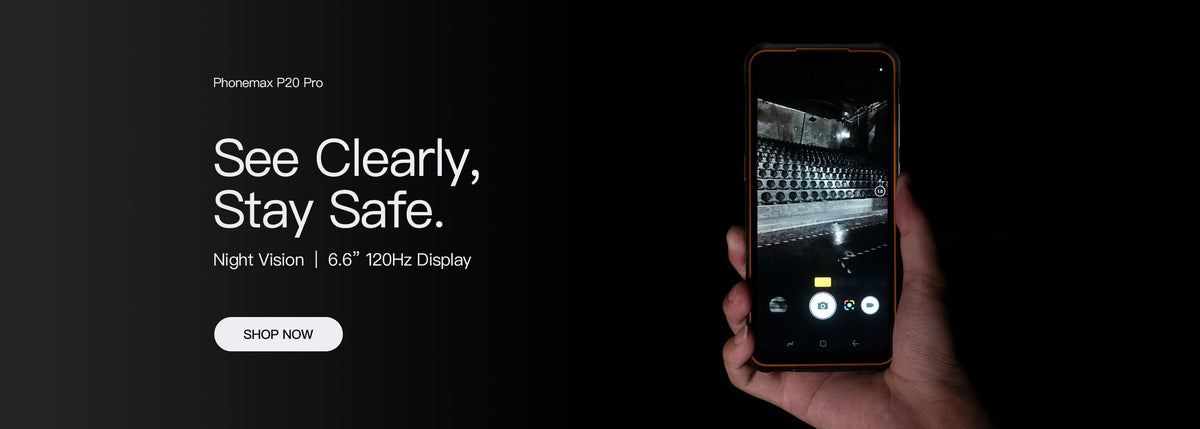
When evaluating a Bluetooth headset with a rugged phone, verify incoming sound, outgoing speech and reconnection in the intended calling app. A paired-device message or successful music playback is not a complete call-compatibility test.
Identify both devices and the call route
Record the phone model and build, headset model and software if known, and whether the task uses a mobile call or a business app. Keep the normal workwear and permitted carrying arrangement in the trial.
Android's Bluetooth profile documentation distinguishes communication profiles, including hands-free and media streaming. A Bluetooth version number alone does not describe the complete supported combination.
Run a short call sequence
| Step | Check |
|---|---|
| Pair | The intended headset is selected through the approved process |
| Receive | The operator hears the remote speaker through the expected device |
| Reply | The remote participant hears the operator clearly |
| Control | The permitted answer/end controls behave as expected |
| Reconnect | Normal separation and return restore the agreed call arrangement |
Keep the test safe and ordinary
Use a non-sensitive test message and a permitted location. Do not remove required protective equipment to improve a result. Ask the site team which headset arrangements are acceptable before selecting an accessory for noisy or restricted work.
What the phone listing establishes
The R4-T record lists Bluetooth 5.0. It does not verify every headset, app audio route, range or control mapping. This guide reports no measured audio or connection performance for that model.
If a problem occurs, note whether it affects pairing, incoming sound, microphone audio or app controls. That distinction gives the device, accessory and app support teams a reproducible starting point.
Approve the combination, not just the headset name
Retain the tested versions and calling route with the accepted configuration. Recheck relevant changes before assigning the combination to more users.
Ask Phonemax about the model and intended accessory, then confirm the complete calling task on a sample.

发表评论
所有评论在发布前都会经过审核。
此站点受 hCaptcha 保护,并且 hCaptcha 隐私政策和服务条款适用。