
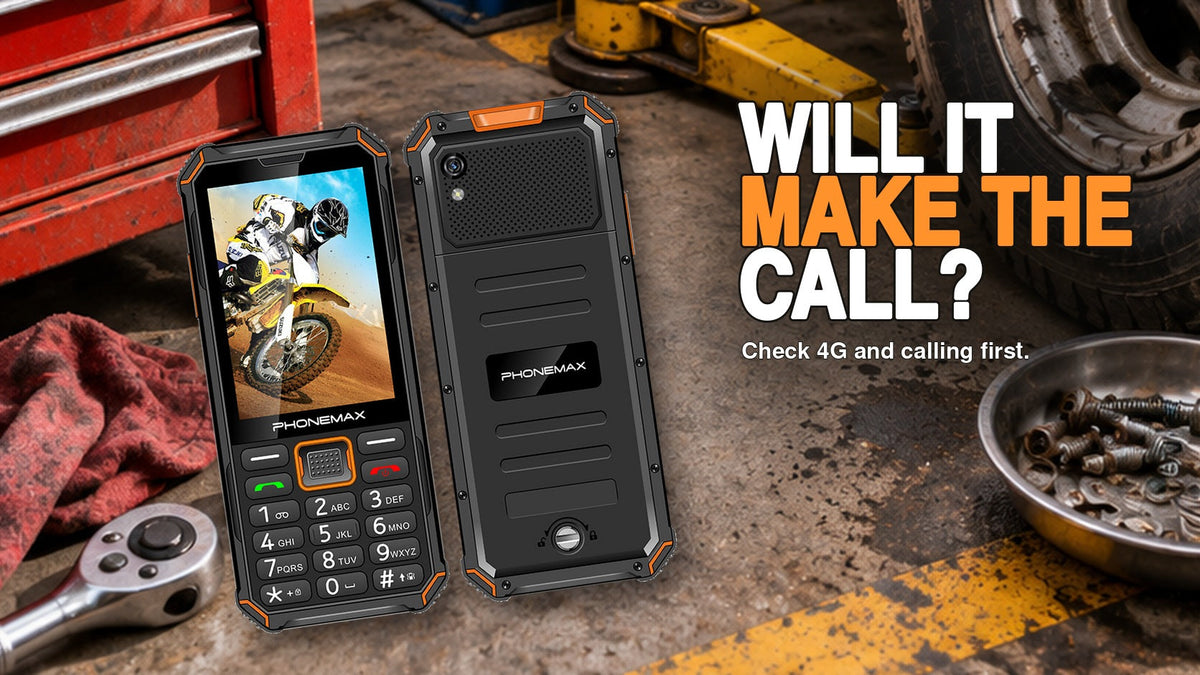
For F3 T buyers who make frequent voice calls, start with ordinary incoming and outgoing calls on the intended regional version. If you also use booking or service lines, check how you enter digits after the call connects. A working conversation leaves that menu step untested.
Why speech can work when a menu ignores a key
If the on-screen digit works but the physical key does not, record the input difference. If neither works and the same menu works on another phone, tell support the exact F3 T version, call route and SIM.
This guide covers in-call interaction with ordinary automated services. It does not assume that physical keys control every Android application or that every carrier supports the same calling features.
Choose a harmless representative service
Use a service you are authorized to access, such as a general information line with a menu. Avoid paid actions, account changes or emergency services. If the only suitable line uses sensitive information, follow its security instructions and keep those details out of screenshots and test notes.
First establish that normal calls work on the exact regional F3 T and SIM. The F3 T product page distinguishes EU/Asia and US/Americas band options. That distinction remains relevant even when the handset has a familiar keypad.
Follow one complete call
- Dial the ordinary service number and listen to the opening prompt.
- Enter a simple menu choice using the normal in-call controls.
- Check whether the service recognizes the selection.
- If a screen changes or turns off, return to the required controls without ending the call.
- Use the service's safe repeat or back option, if provided, then end the call normally.
Write down whether you used physical keys or the touchscreen at each point. Do not infer a keypad-only workflow from the external buttons. What matters is whether the actual user can complete the call.
Investigate an unrecognized choice
If speech is clear but a number choice is ignored, record the service, call time, carrier and input method. Repeat once with a known working phone and the same ordinary service where practical. This helps separate the line's behavior from the proposed setup; it does not identify a technical cause by itself.
Do not publish PINs or full account numbers in a support request. Provide the failing step and any non-sensitive on-screen message.
Use the outcome in the purchase decision
Approve the F3 T for this task only after the intended user completes the required menu route. If a particular service is essential, name it in the enquiry and request a configuration-specific evaluation. A general “4G calling” description is insufficient evidence for that workflow.
Separate menu failure from call failure
With an ordinary automated line, make one harmless selection and listen for the next prompt. If the app displays a dial pad, compare its digit with the physical key on the same menu. A different outcome points to the input route. Failure on both inputs is useful support evidence, but leaves the network, menu and handset configuration open.
Related guidance: F3 T 4G Keypad: Calling and Menu Requirements | Phonemax.
By Phonemax. Updated November 18, 2026.




Leave a comment
All comments are moderated before being published.
This site is protected by hCaptcha and the hCaptcha Privacy Policy and Terms of Service apply.