
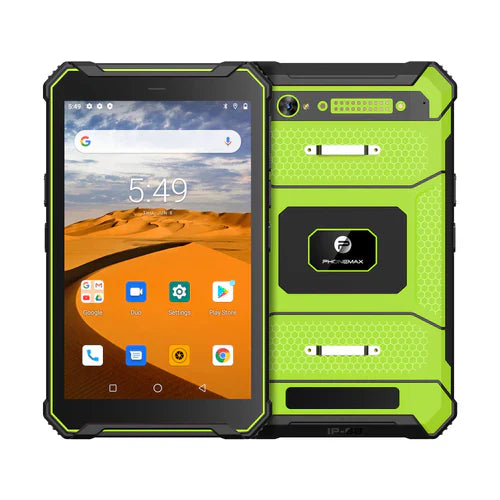
Before attributing a slow work task to RAM, record where the delay occurs and whether it can be repeated. Waiting for a remote service, loading a document and returning to an app are different observations. A larger memory figure is not a diagnosis.
Capture a small reproducible case
| Incident detail | Useful observation |
|---|---|
| Starting state | Device build, app version and relevant open task |
| Input | Non-sensitive document, dataset or job used |
| Trigger | The exact action immediately before the delay |
| Visible behavior | Waiting indicator, reload, error or delayed result |
| Connection context | Whether the task depends on an online service |
| Repetition | How often the same sequence produces the symptom |
Give the app team evidence
Android's memory-management overview explains process and memory management. It provides technical background for investigation, not a rule that one RAM capacity will eliminate every delay. Ask the app provider to identify suitable diagnostics and interpret the result.
Keep a note of approved comparison steps and change one relevant factor at a time. Do not clear work data or install an unapproved build merely to produce a faster demonstration. If a restart changes the symptom, record that observation without treating it as a confirmed cause.
Compare identified configurations
The T1 lists Gray 6GB RAM/Android 16 and Green 8GB RAM/Android 10, both with 128GB storage. A difference between those complete builds cannot automatically be attributed to RAM alone.
Send Phonemax the device details and reproducible sequence. This is an investigation method; no root cause, performance measurement or 4GB device availability is established here.
Related guide: Tablet Memory Labels: Separate Physical RAM and Storage.

Efterlad en kommentar
Alle kommentarer er modereres, før de bliver offentliggjort.
'Denne side er beskyttet af hCaptcha, og hCaptchas Politik om beskyttelse af persondata og Servicevilkår er gældende.