

A 6.5-inch FHD screen can still be awkward when a keyboard hides required fields. Evaluate how workers move through a full form rather than checking only its opening view.
Choose a demanding form
Include text entry, numeric values, a selection list and a mandatory comment. Use the actual keyboard and language settings intended for staff. Check whether the keyboard obscures the active field or submit button, and whether the form scrolls to the correct position.
Follow corrections and interruptions
Enter an invalid value, read the error and correct it. Rotate the phone if the application supports landscape use. Switch briefly to another application and return, checking that entries remain intact. Record unnecessary scrolling, accidental submissions and lost work. These are task observations rather than display specifications.
Approve the tested combination
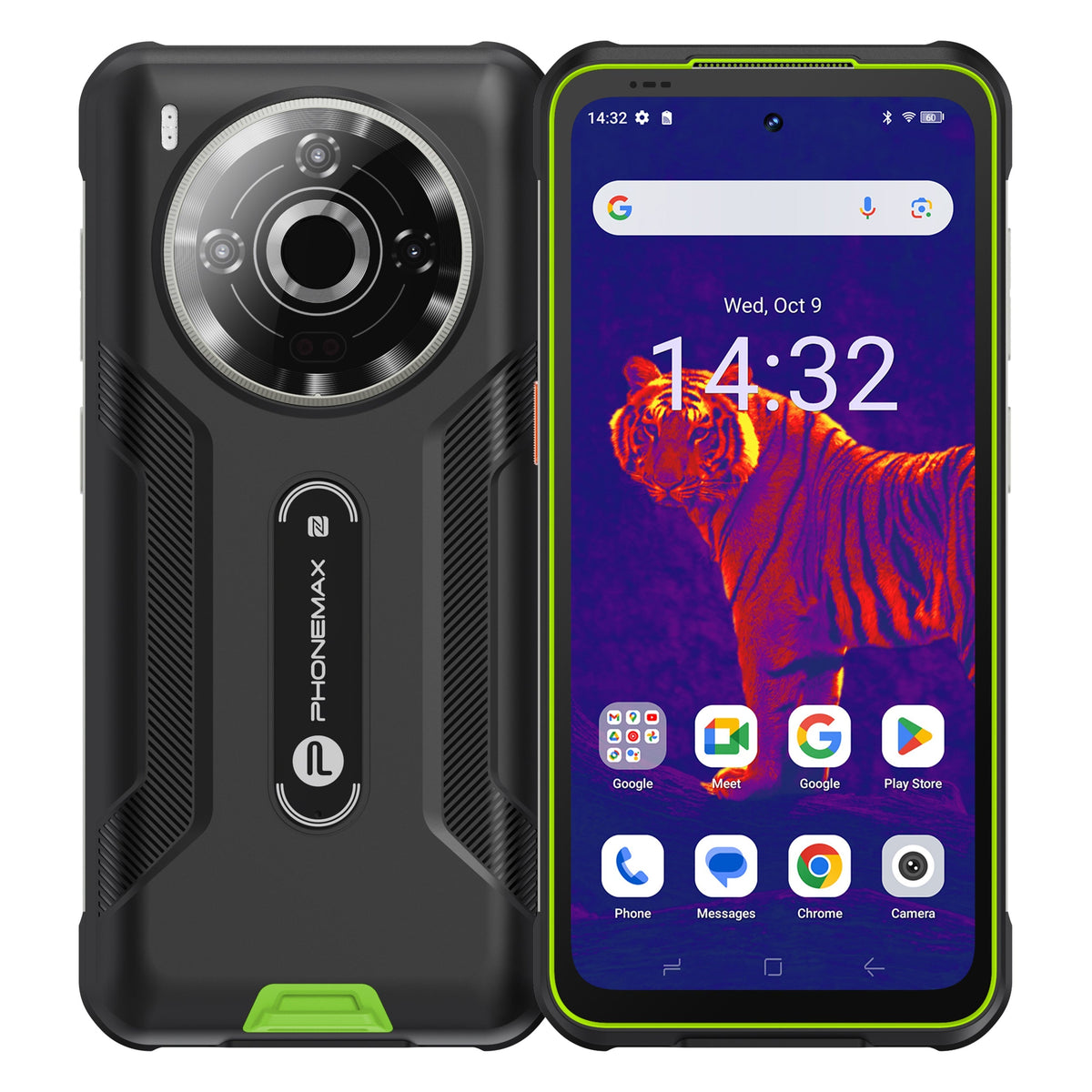
The current X5 screen is 5.3 inches, so it is a smaller alternative to a 6.5-inch brief. If considered, repeat the form test on that device instead of transferring results from a larger demonstration phone. Retain the accepted application version, text scaling and keyboard settings. Recheck the form after updates that change controls or navigation because the same hardware may behave differently with a revised interface.
Review the X5 product details for the documented compact configuration.


Efterlad en kommentar
Alle kommentarer er modereres, før de bliver offentliggjort.
'Denne side er beskyttet af hCaptcha, og hCaptchas Politik om beskyttelse af persondata og Servicevilkår er gældende.