
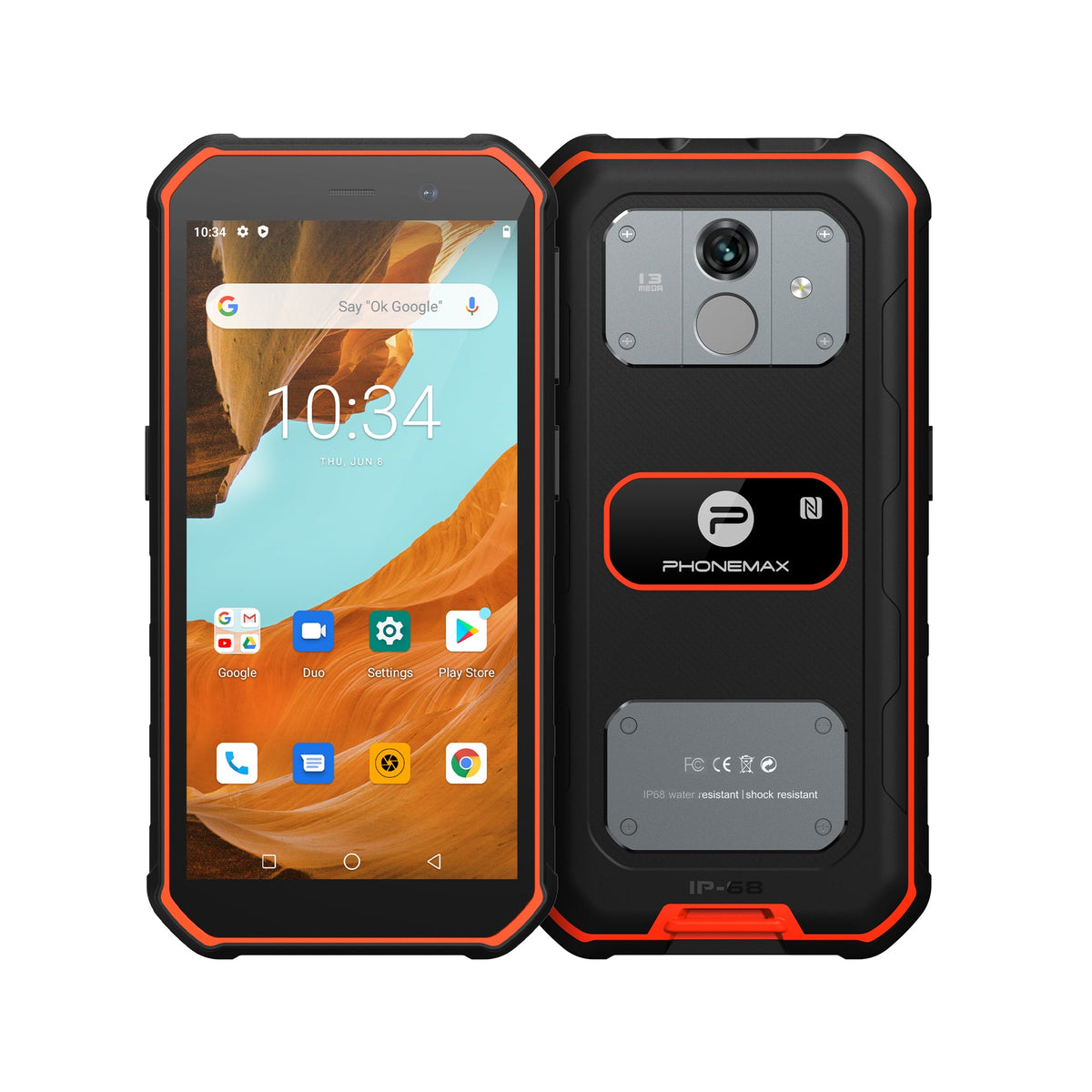
An operating-system version describes the current software, not the full support plan. For an Android 13 rugged smartphone, obtain the manufacturer's actual update arrangements before deployment.
Request current information
Ask for firmware identification, available update method and support guidance for the offered variant. Clarify how issues are reported and what documentation is supplied. Do not invent a guaranteed support period when the manufacturer has not committed to one.
Test an approved update path
On the evaluation sample, follow the supported process where an update is available. Check application login, retained records and required permissions afterward. Record the previous and new software versions with any issue so support can investigate the transition.
Keep version alternatives explicit
Current X5 information describes Android 16 rather than Android 13. If the buying brief allows a different version, evaluate it with the intended application and support requirements. Otherwise request a matching configuration. Retain the accepted software baseline and the manufacturer's instructions with the fleet record, making later changes reviewable instead of assuming the initial Android label establishes lasting application compatibility.
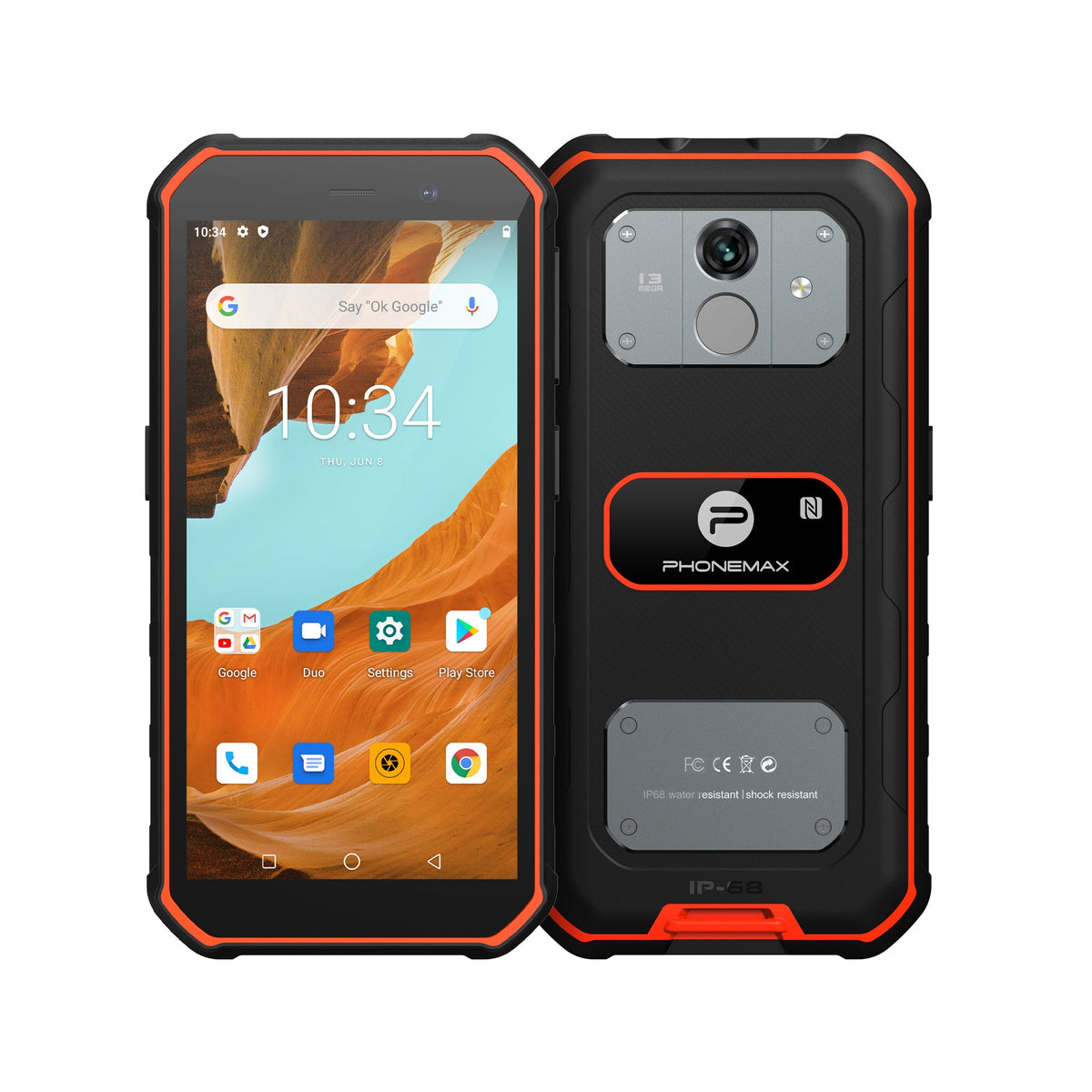
Review current Phonemax X5 details for the configuration used as a comparison.

Efterlad en kommentar
Alle kommentarer er modereres, før de bliver offentliggjort.
'Denne side er beskyttet af hCaptcha, og hCaptchas Politik om beskyttelse af persondata og Servicevilkår er gældende.