
Before assigning a cellular work tablet to a shift, check the approved SIM and connection sequence after a normal restart. Testing only an already-connected device can miss a first-step dependency that the next operator needs to understand.
Record the approved startup sequence
| Stage | Question to resolve |
|---|---|
| SIM readiness | Is an authorized person or carrier procedure needed to make the SIM ready? |
| Network registration | How does the operator recognize the intended carrier and data service? |
| Application access | Can the approved account reach the required service? |
| Failure handling | Who supports a locked SIM, absent service or failed app sign-in? |
Keep credentials and recovery controlled
Use the carrier and organization's approved procedures on a test unit. If a PIN is requested, use only authorized information; do not guess codes or change security settings as a general workaround. Keep PINs, recovery codes and account secrets out of shared handover notes.
After the approved restart sequence, send a harmless sample job and confirm its saved result. Distinguish SIM readiness, carrier access and app authentication when recording a failure.
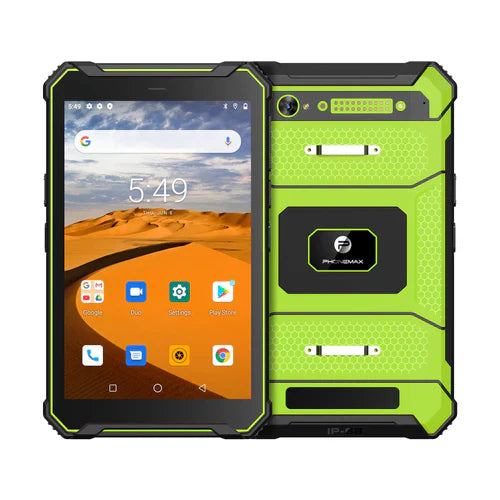
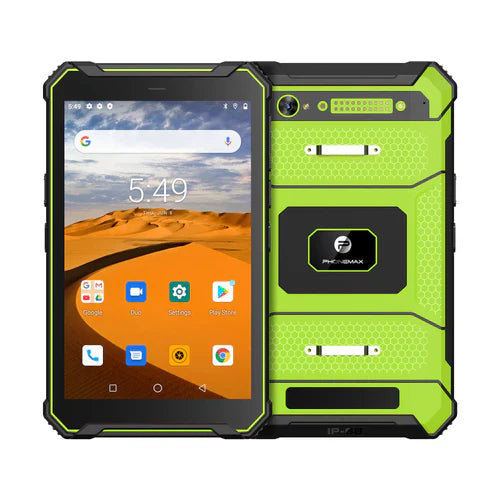
The current T1 page lists mobile bands for the Gray 6GB/128GB/Android 16 version and says Green 8GB/128GB/Android 10 needs separate band confirmation. Band overlap alone does not establish carrier activation or service compatibility.
No SIM, carrier or restart trial is reported here. Pair this check with the mobile-data transfer policy. Contact Phonemax with the intended carrier and configuration.


Efterlad en kommentar
Alle kommentarer er modereres, før de bliver offentliggjort.
'Denne side er beskyttet af hCaptcha, og hCaptchas Politik om beskyttelse af persondata og Servicevilkår er gældende.