
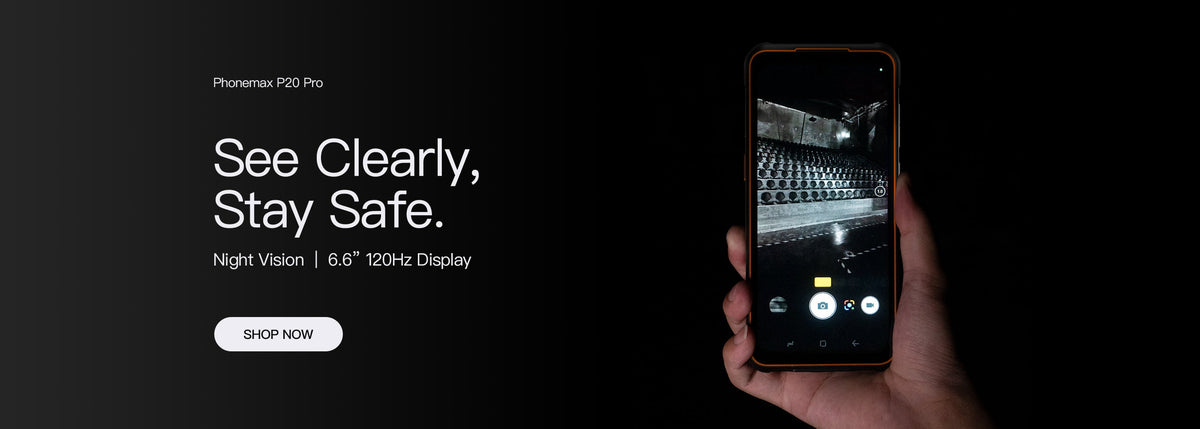
Evaluate a small feature-phone display using the messages and status information you actually need to read. A diagonal measurement alone does not show whether a long contact name, missed-call notice or application error will be understandable.
Build a display reading list
| Information | Question for the evaluation |
|---|---|
| Incoming call | Can the caller be identified before answering? |
| Missed call | Can the user find the correct return-call entry? |
| Long message | Is there a clear way to read the remaining text? |
| Connection status | Can the relevant state be distinguished? |
| Error prompt | Is the action needed to continue visible? |
Ask for the actual display specification
A “1.8-inch” phrase in an old article title should not become an assumed specification for a current model. Confirm the exact display, resolution and available text settings for the offered device.
The current F4-T listing describes a hybrid Android-based feature phone with large physical controls and a touchscreen. This guide does not assign a 1.8-inch display to it or claim a measured readability advantage.
Include interaction, not just a photograph
View the device in the intended stationary working position. Read a full message, scroll back, dismiss a prompt and return to the relevant screen. Record any step that hides the text or makes the next action unclear.
If text settings are changed, repeat the same reading list. A larger label can occupy more space, so inspect the whole screen sequence rather than one improved word.
Send Phonemax the information and language the user needs to read. Request confirmation for the proposed configuration. This is a display evaluation checklist, not a certification of accessibility or compatibility with a named application.

Efterlad en kommentar
Alle kommentarer er modereres, før de bliver offentliggjort.
'Denne side er beskyttet af hCaptcha, og hCaptchas Politik om beskyttelse af persondata og Servicevilkår er gældende.