
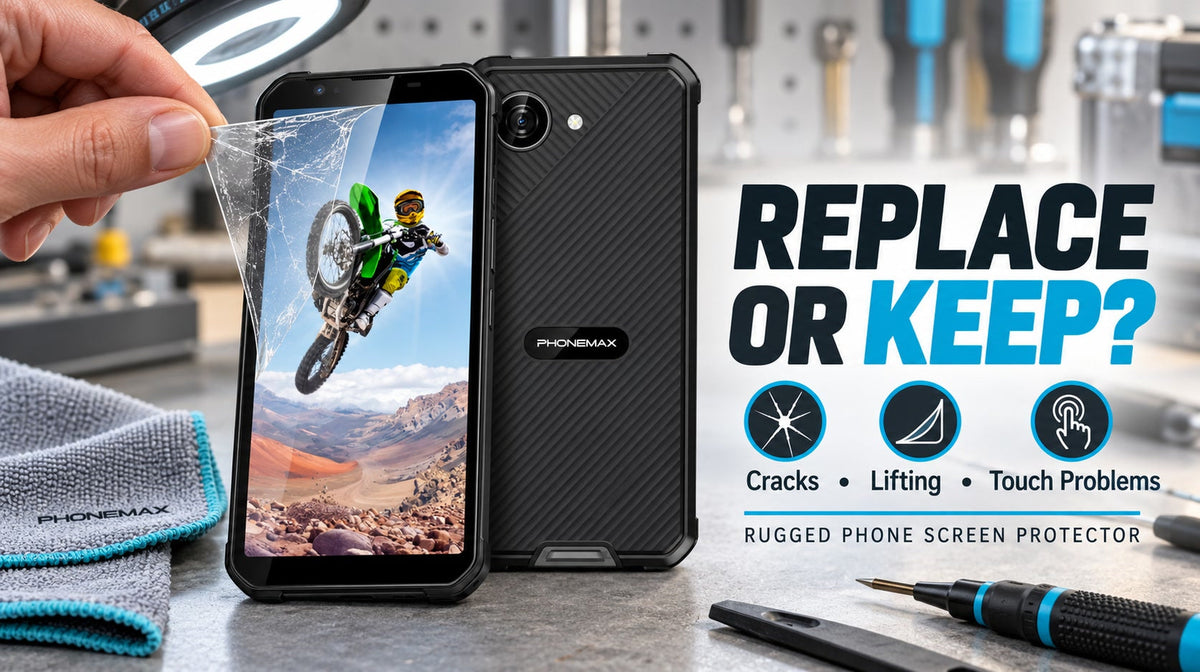
Replace a rugged-phone screen protector when it is cracked, lifting, contaminated, interfering with touch or creating an unsafe sharp edge. A protector does not need to look new, but it should remain securely bonded, readable and compatible with the case and required controls.
Replace now, monitor or keep
| Condition | Decision | Reason |
|---|---|---|
| Crack with sharp or spreading edge | Replace now | Handling and visibility risk |
| Protector lifts when the case is fitted | Replace or correct fit now | Dust and touch problems can grow |
| Liquid or abrasive debris under an edge | Remove, inspect and replace | Do not trap contamination against the screen |
| Deep scratch over a camera/sensor or key viewing area | Replace | Can impair the required task |
| Light cosmetic marks outside the working area | Monitor | Appearance alone may not justify replacement |
| Protector flat, clear and touch-responsive | Keep | No task-based failure found |
Confirm what is actually cracked
Power the phone off and inspect under angled light. A line visible only in the protector may disappear when it is removed; damage in the display glass requires a different service decision. Do not peel a shattered layer with bare fingers or continue pressing sharp fragments.
Do not use a protector to hide structural damage
A protector cannot restore a cracked display, bent frame, lifting screen or damaged enclosure seal. If the phone was dropped, crushed or exposed to liquid, inspect the device itself and follow the manufacturer’s service guidance.
Check case clearance before blaming the adhesive
Tight cases can push against protector edges. Remove and refit the case according to its instructions. If lifting returns, the protector may be too large, misaligned or incompatible with the case. Use the five-minute screen-protector fit test when selecting the replacement.
Safe replacement sequence
- Work on a clean, stable surface and switch the phone off.
- Remove the case and any connected power.
- Protect hands if the protector is fragmented.
- Lift slowly from an intact edge without inserting metal tools.
- Inspect the real screen and frame before cleaning.
- Use only screen-safe cleaning materials and remove all dust.
- Align the model-specific replacement before lowering it.
- Refit the case and test touch, camera/sensors and edge clearance.
Use model identity, not visual similarity
Small Phonemax phones such as R4 GT, R4 Mini and Q9 Mini have different dimensions and front layouts. A nearly fitting protector can obstruct a sensor, lift at the edge or conflict with a case. Confirm the exact model from the order or device information.
Does a protector preserve waterproofing?
No. A screen protector is an external sacrificial layer and does not create or restore the enclosure’s IP rating. Display or frame damage may affect protection even when a new protector covers the surface.
FAQ
Can a cracked protector stay on temporarily?
Replace it promptly if an edge is sharp, spreading, lifting or affecting the task.
Can tempered glass be reused?
Usually no; removal can damage the adhesive and contaminate the bonding surface.
Does a protector make a rugged phone impact-proof?
No. It may reduce some surface damage but cannot guarantee survival.
Evidence note
This is maintenance guidance, not a claim that a protector prevents every display failure. The pictured X5 is a current Phonemax model example; the replacement method applies only with a correctly fitted model-specific protector.


Efterlad en kommentar
Alle kommentarer er modereres, før de bliver offentliggjort.
'Denne side er beskyttet af hCaptcha, og hCaptchas Politik om beskyttelse af persondata og Servicevilkår er gældende.